RetroMac 2.8.6: Mac OS 9, down to the Control Strip
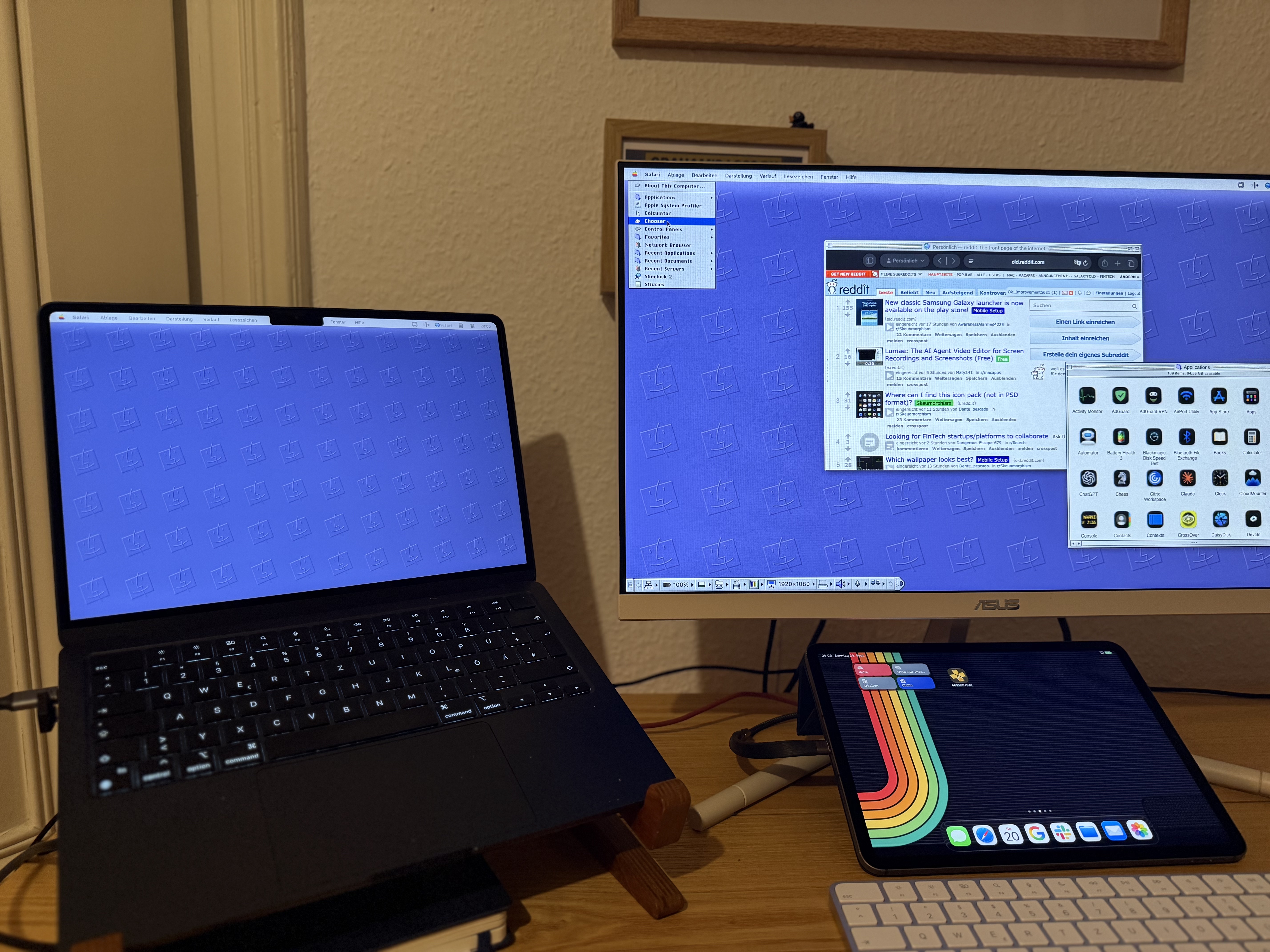
Mac OS 9 shipped in October 1999, and Apple sold it as the best internet operating system ever made. Two and a half years later Steve Jobs wheeled a coffin onto the WWDC stage and read it a eulogy. In between sat the last version of the classic Mac OS, the one a whole generation grew up on: platinum grey, the Apple logo top left, and a small strip of controls tucked into the edge of the screen.
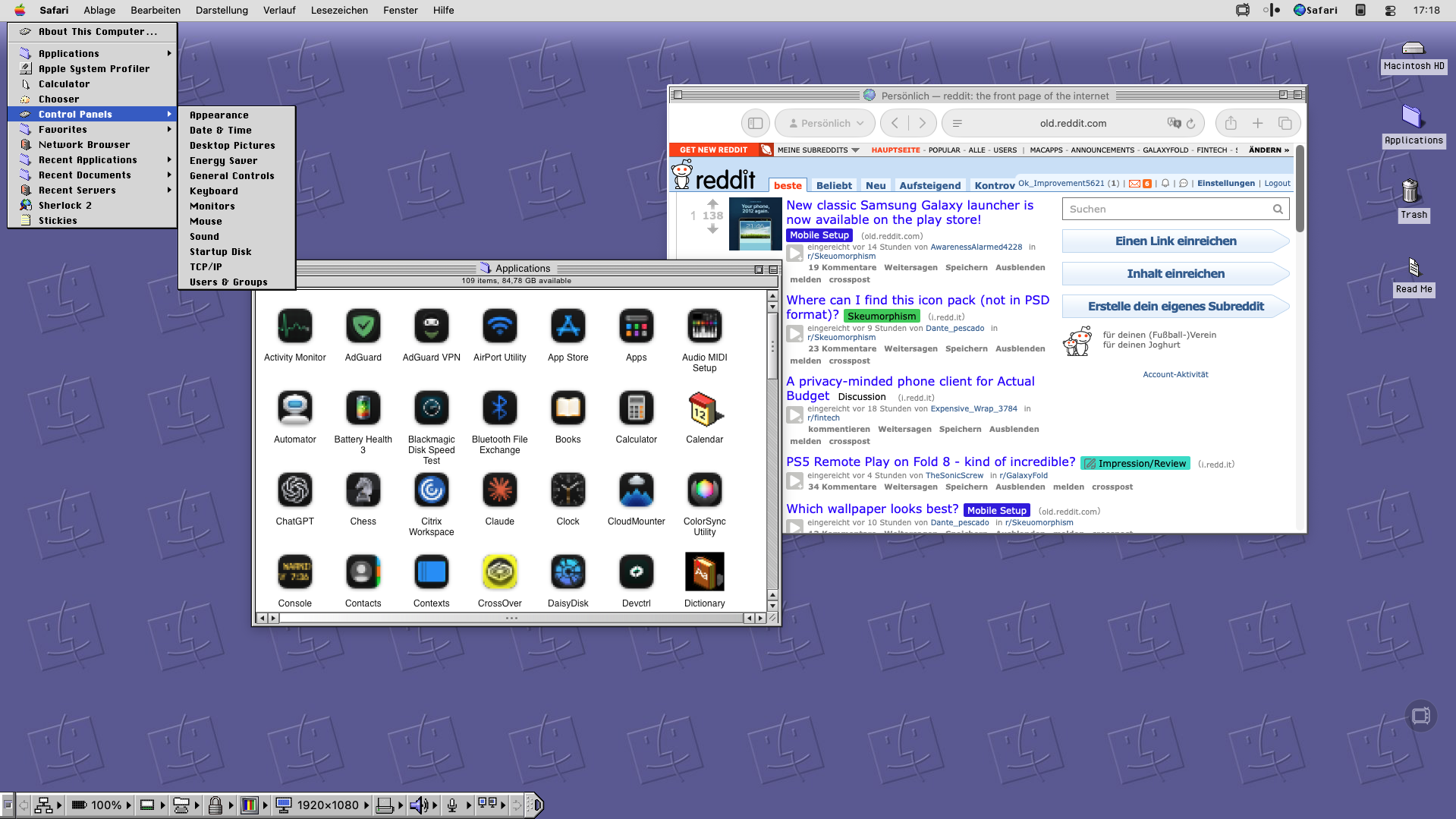
RetroMac 2.8.6 rebuilds that desktop properly. Not a wallpaper with an OS 9 screenshot on it, but the parts you actually touched every day: the Control Strip, the application launcher in the menu bar, the platinum chrome around your windows.
Why OS 9 is worth the effort
Platinum arrived with Mac OS 8 in 1997 and stayed until the end. Grey, restrained, and completely consistent: there was one light source (top left, always), and every button, scroll bar and window frame agreed on where the shadow fell. Next to the candy of early Aqua it looks almost austere today, and that is exactly why it aged so well. It was designed to be looked at for eight hours, not for thirty seconds in a product shot
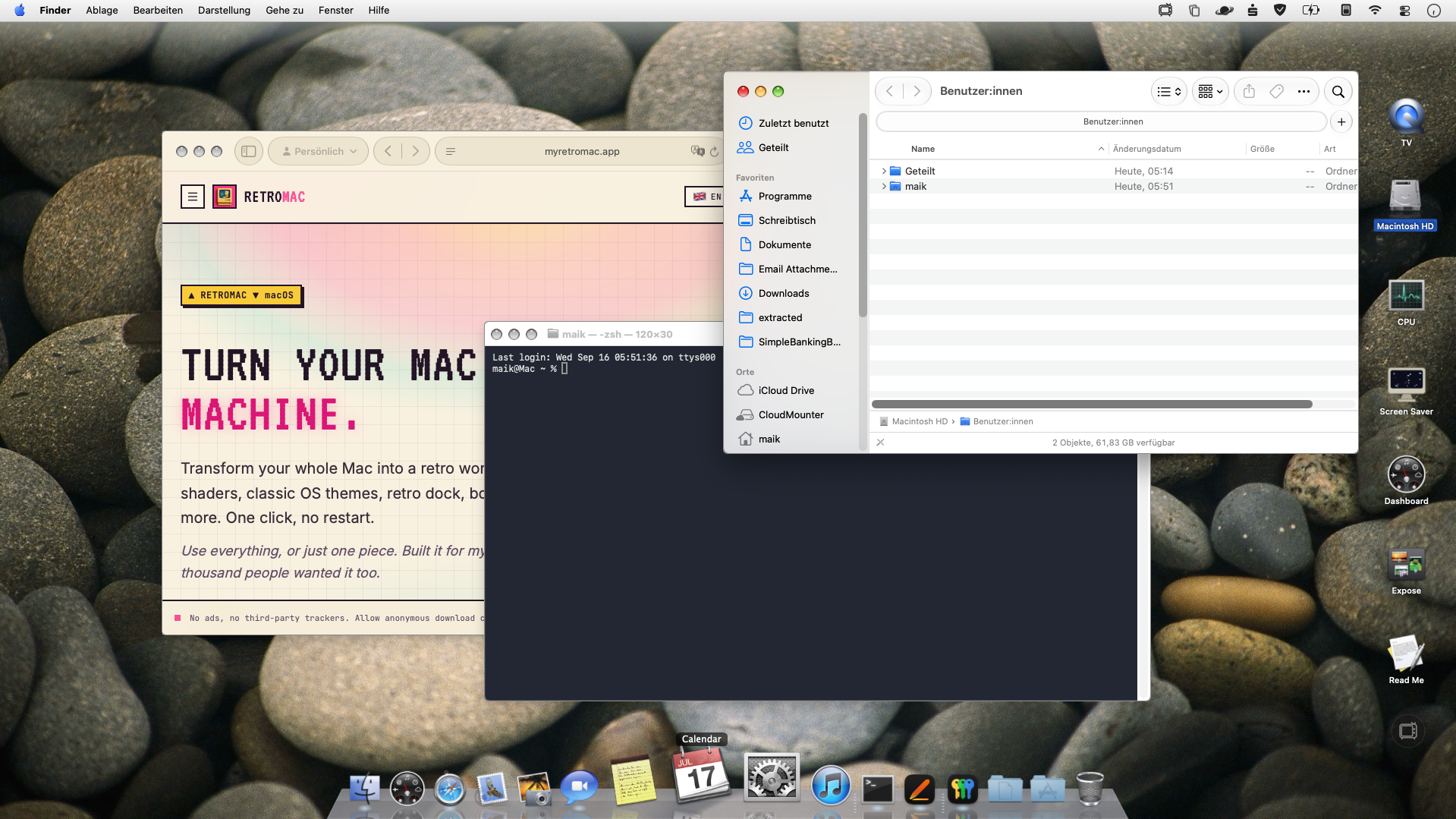
Mac OS 9.2.2 in 2001 was the end of the line. After that the classic Mac OS lived on inside Mac OS X as Classic, an entire operating system running in a window, until the Intel transition finally killed it off. Anyone who used a Mac between 1997 and 2002 still has this interface stored somewhere in muscle memory.
So the bar for this theme was simple: a screenshot of your Mac running RetroMac and a screenshot of a real OS 9 machine should be hard to tell apart.
The Control Strip is back
The Control Strip started on PowerBooks in the mid 90s. Laptops needed a fast way to change screen depth, sound volume, battery settings and AppleTalk without digging through control panels, so Apple put a row of small square tiles along the screen edge, each one a tiny menu. Click the tab, it slides out. Click again, it rolls back and leaves nothing but a little handle. It turned out to be so useful that desktop Macs got it too, and plenty of people used it more than the Apple menu.
In 2.8.6 it comes back as a proper replacement for the macOS Dock, not as a picture of one. It sits at the screen edge, it slides, and the tiles sit on the settings you actually use. If you ever pointed at that handle without looking, this will feel familiar within about a minute.
The launcher moved into the menu bar
Classic Mac OS had several ways to get at your programs, and every user had a favourite. The Apple menu on the left held aliases and recent items. The Application menu in the top right corner listed everything that was running, and you could tear it off the menu bar into a floating palette. And for the Performa crowd there was the Launcher, a window full of oversized buttons that your parents could not miss.
2.8.6 puts an app launcher up in the menu bar, in the corner where OS 9 kept its application menu. It opens as a period-correct menu with your apps in it, so switching and launching happens where your hand already wants to go. Small thing, but it is the difference between a themed desktop and a desktop that behaves like the original.
Title bars for your real apps, out of beta
This has been the most requested feature since the first release, and also the hardest one. macOS does not let an app repaint another app's window, which is why the usual answer to "can you theme my other apps" was no.
RetroMac works around it, and since 2.8.6 that work is finished and no longer marked experimental. Your normal Mac apps get the chrome of the era you picked: platinum bars for OS 9, pinstripes and the right traffic lights for OS X and Snow Leopard, real Windows title bars for 98 and XP. Your editor, your browser, your mail client, all in the same period. It is part of the free tier.
Live Wallpaper Plus
A CRT shader over the whole screen looks fantastic in a screenshot and becomes annoying about ten minutes into real work, because the scanlines also sit on the document you are writing.
Live Wallpaper Plus draws the shader on the wallpaper and the Dock, and stops at your active windows. Phosphor glow, scanlines, a gently flickering desktop behind everything, while the text in front stays perfectly sharp. Retro on the outside, readable in the middle. It is the version of the effect you can actually keep switched on all day.
And yes, it still crashes
Worth repeating for anyone who missed it: Retro Glitches & Crashes is in there. Blue screens, kernel panics, illegal operations, the bomb dialog from Mac OS, either on demand or on a schedule that runs from very rare to chaotic. Nothing actually crashes. No app is quit, no document closed, no restart triggered. The frozen desktop is a photograph of itself, laid on top, and a second after you dismiss it you are back at your untouched work.
With the OS 9 theme switched on, the bomb finally has the right desktop behind it.
Getting it
RetroMac 2.8.6 runs on macOS 14 and up, Apple Silicon and Intel. The themes, the title bars and most of the shaders are free. Live Wallpaper Plus, the extra shaders and Glitches & Crashes are Pro: 8.88 euro, once, no subscription, no account, no tracking.