Blog
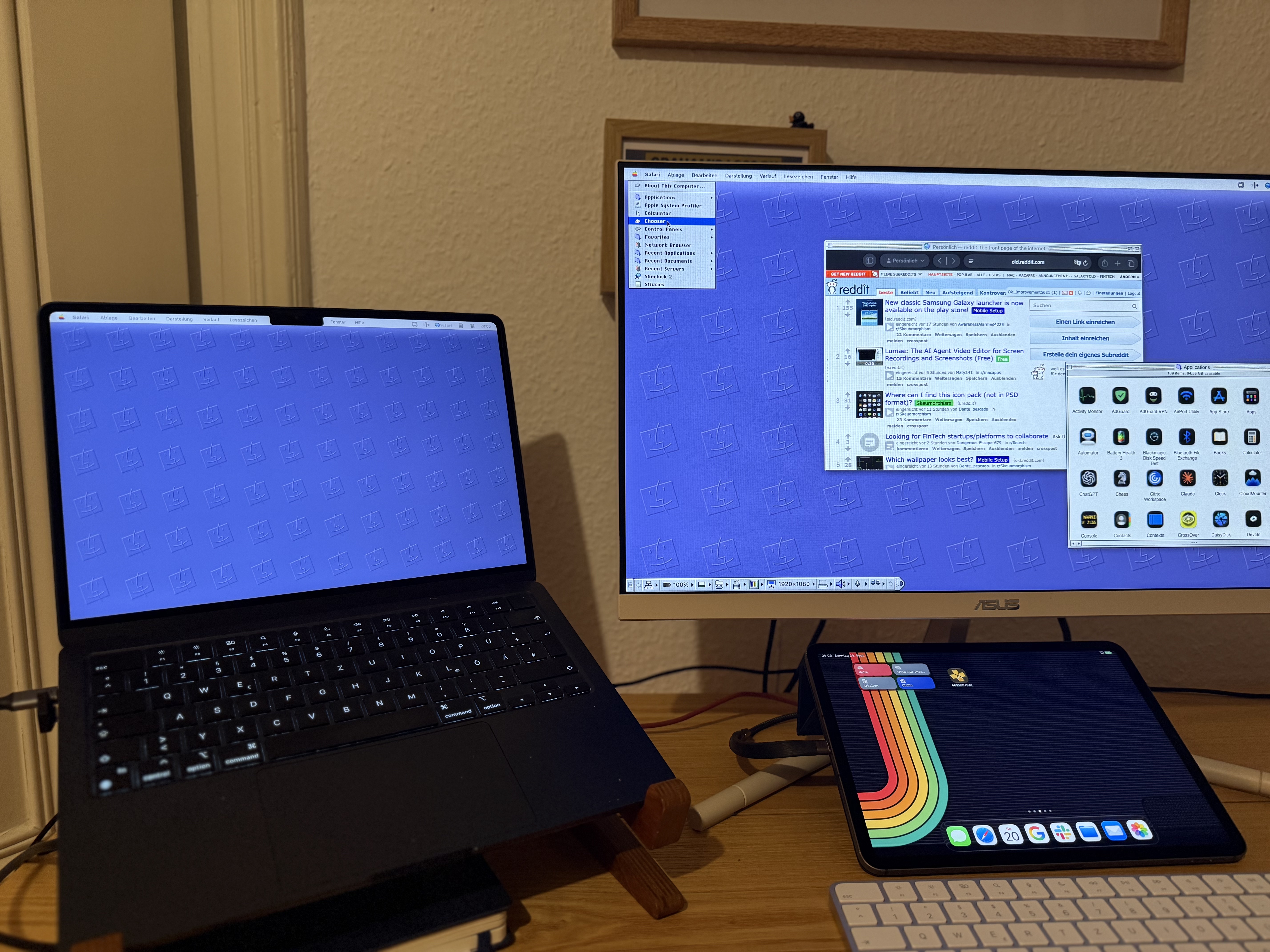
RetroMac 2.8.6: Mac OS 9, down to the Control Strip
Mac OS 9 shipped in October 1999 and got a funeral on stage three years later. Version 2.8.6 rebuilds it properly: the Control Strip, an app launcher in the menu bar, platinum chrome. Plus real title bars for your own apps, now out of beta, and Live Wallpaper Plus.
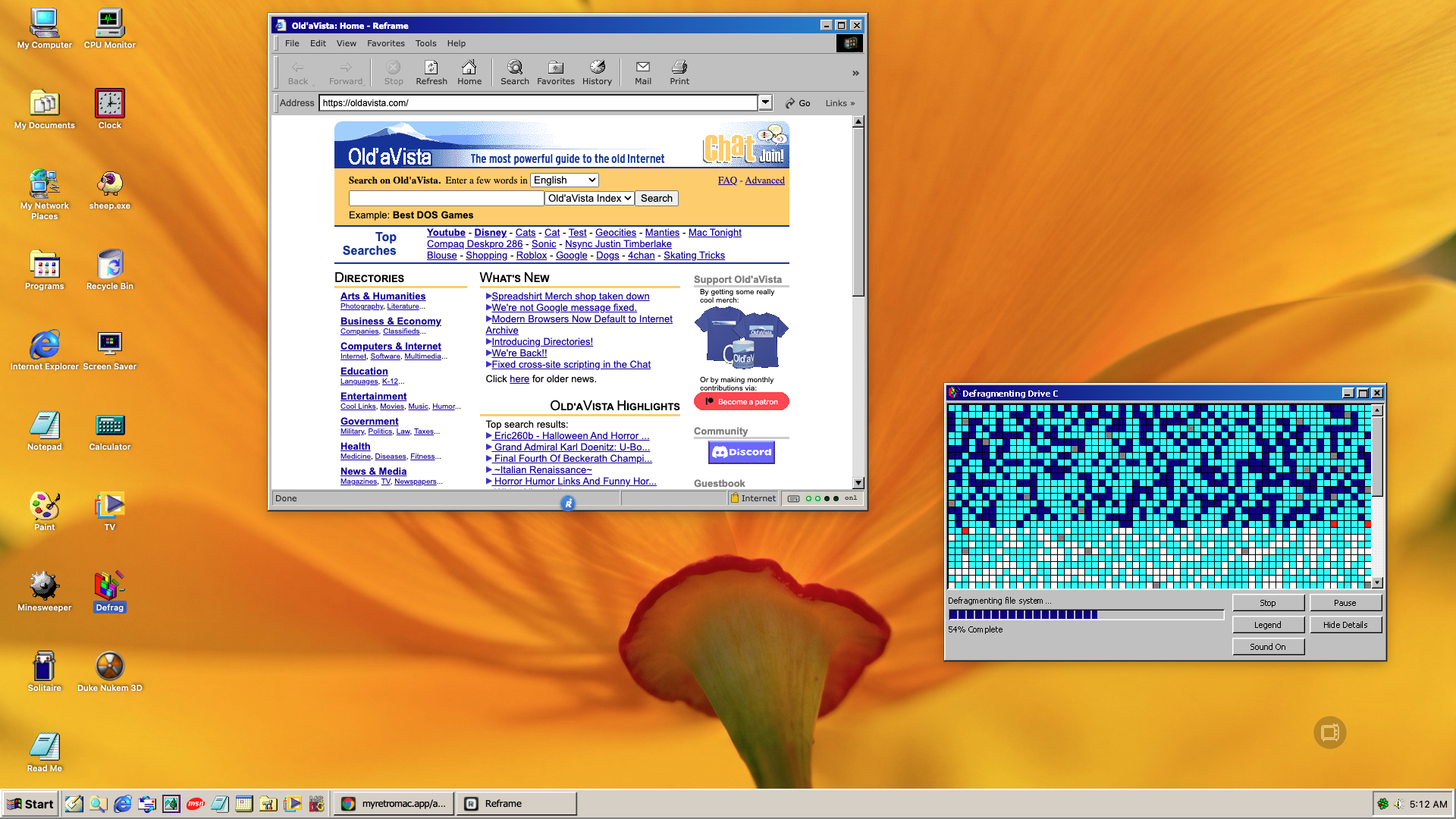
Sneak preview: Windows Me turns 26, retro crashes, new streams and a new Game Library
Windows Me shipped on 14 September 2000, so its theme got the most thorough rework RetroMac has had so far. And the next release can crash on purpose, without anything actually crashing.
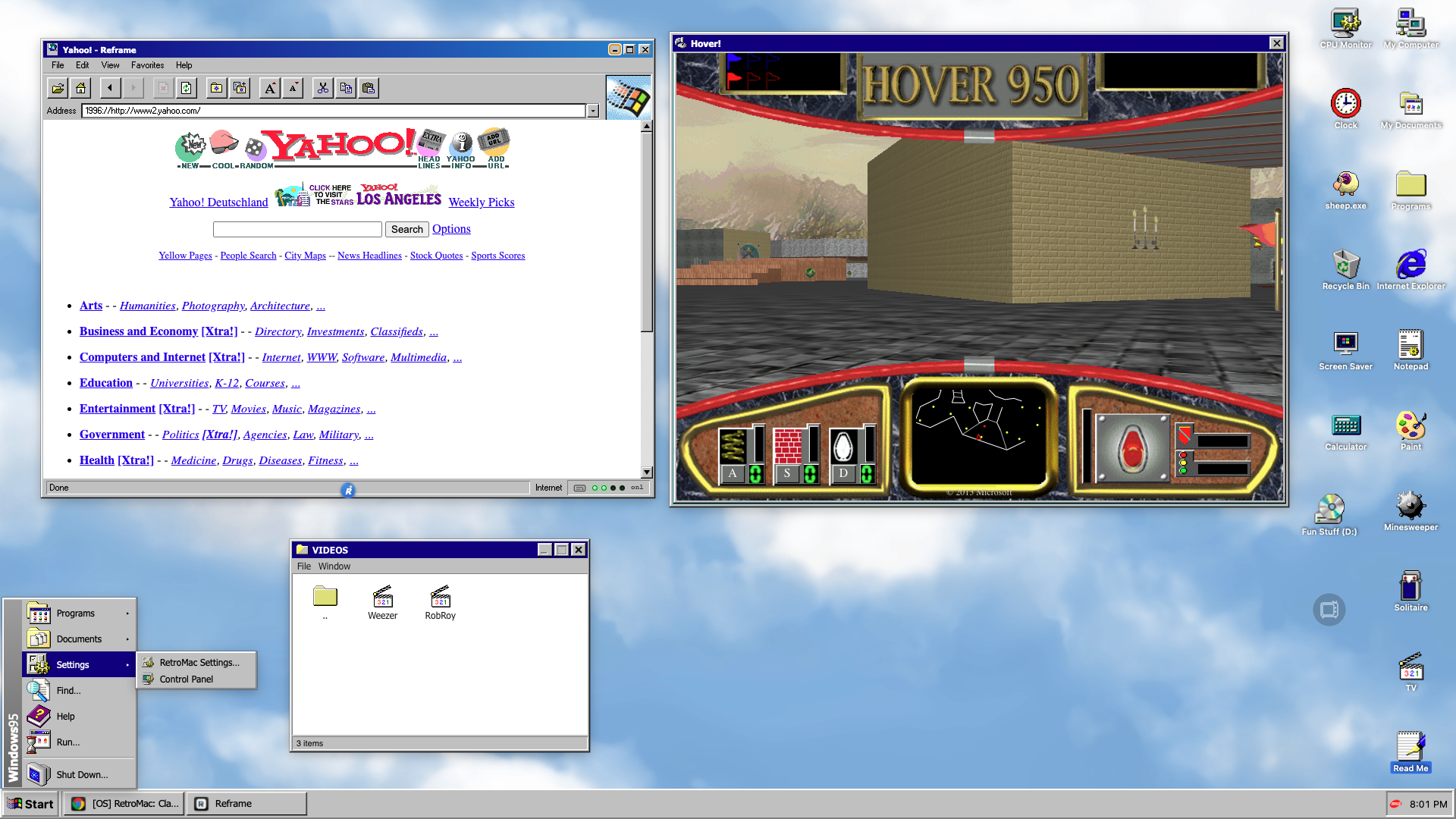
Windows 95 turns 31 and RetroMac 2.7 brings back the Fun Stuff folder
Windows 95 shipped with a folder full of music videos and a hovercraft game. RetroMac 2.7 brings the whole thing to your Mac: Start button, taskbar, grey chrome and a Fun Stuff folder with Hover! inside. Add Reframe with an Internet Explorer skin and the illusion is complete.
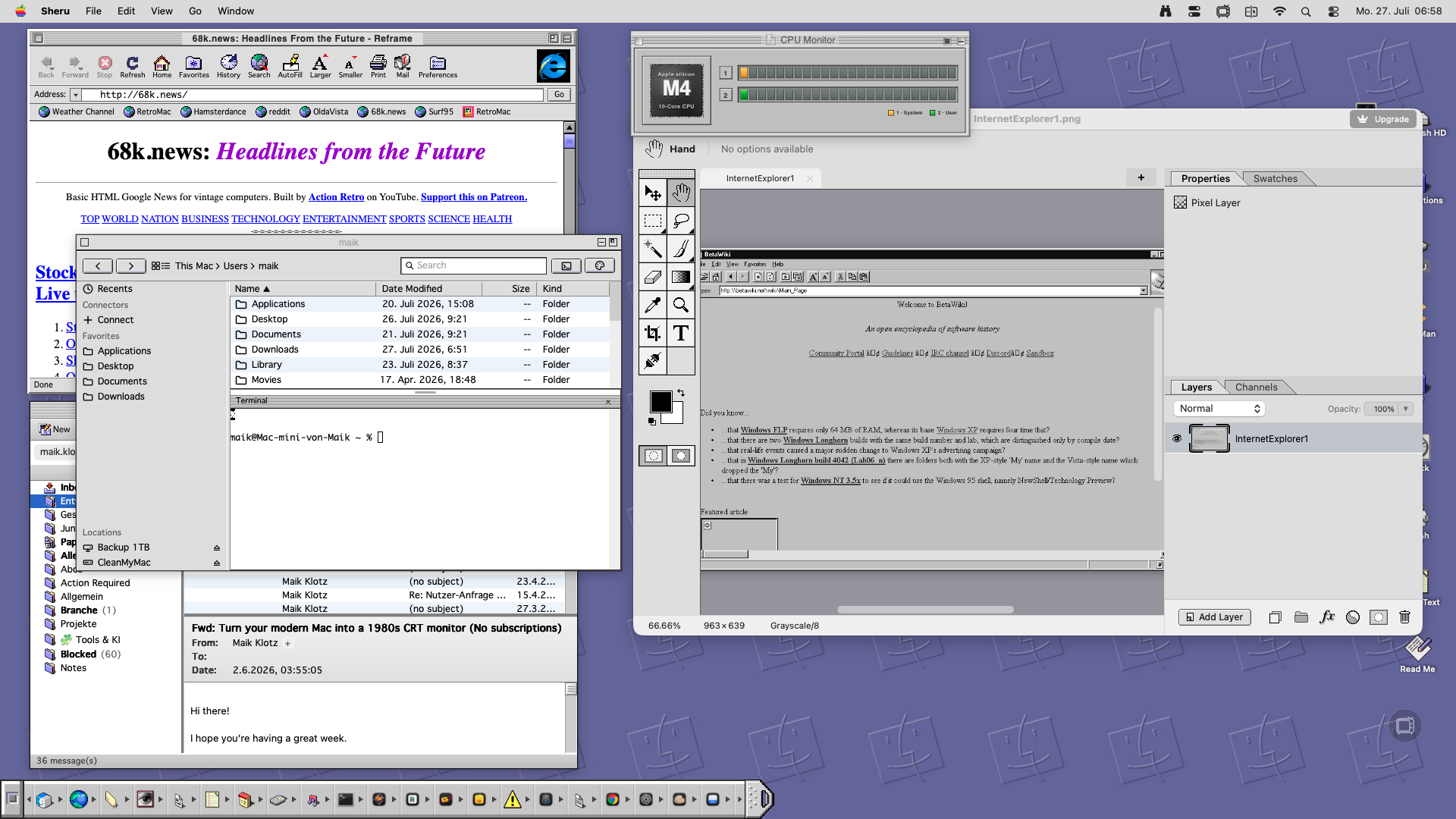
Getting the Most Out of Customizing: External Apps Worth Adding to Your Toolkit
Theming your Mac's system chrome is only half the fun. Here are six external apps that help you finish the look, from Winamp skins to a pixel-perfect classic Finder.
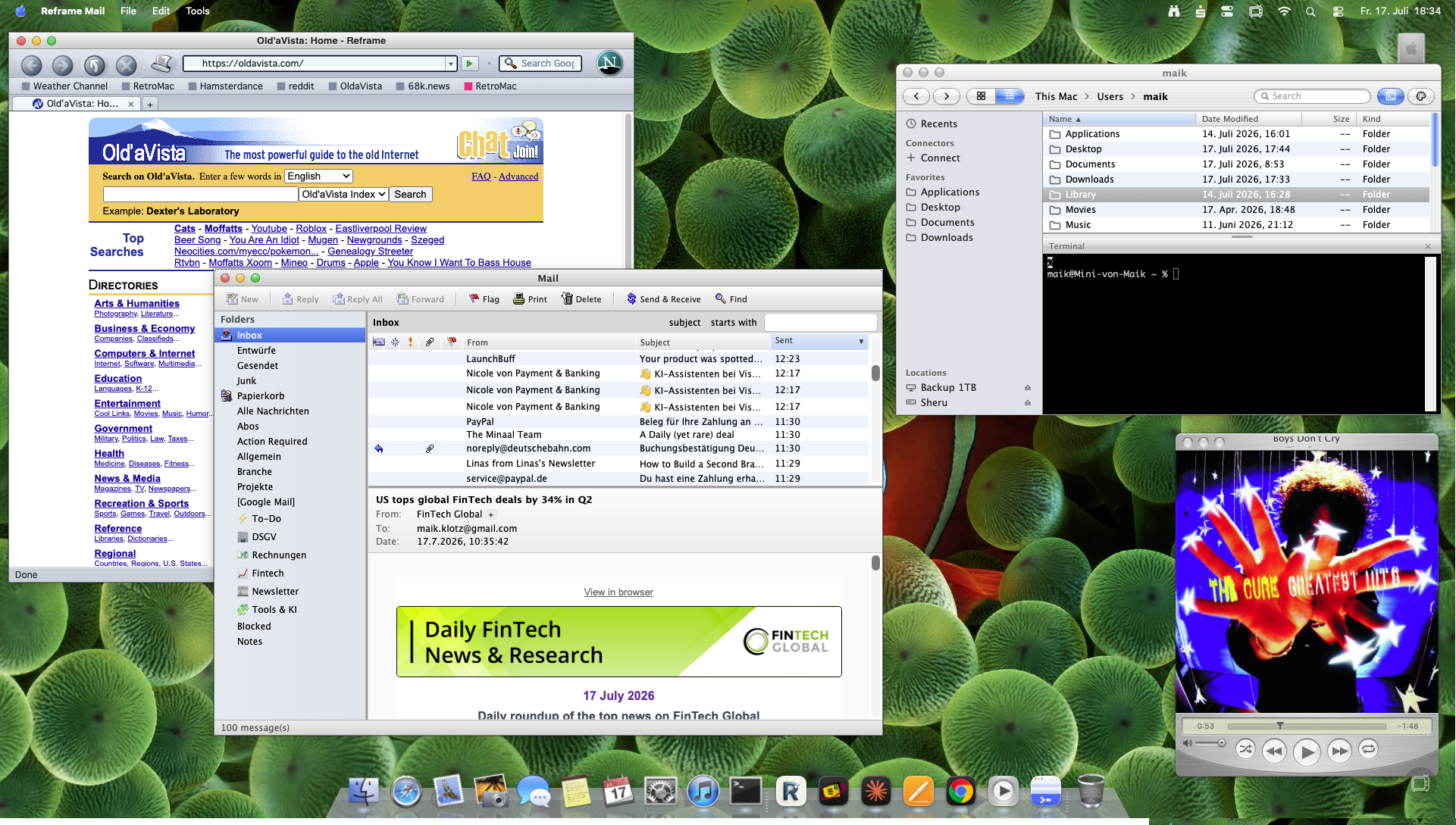
Snow Leopard: How to bring back the iconic design
I build RetroMac and Reframe. Out of all the requests I get, Snow Leopard keeps coming back – that dark brushed-metal menu bar, the glossy blue scrollbars, the water-drop traffic lights. Mac OS X 10.6 is still, for a lot of people, peak Mac. Good news: you can get most of it back
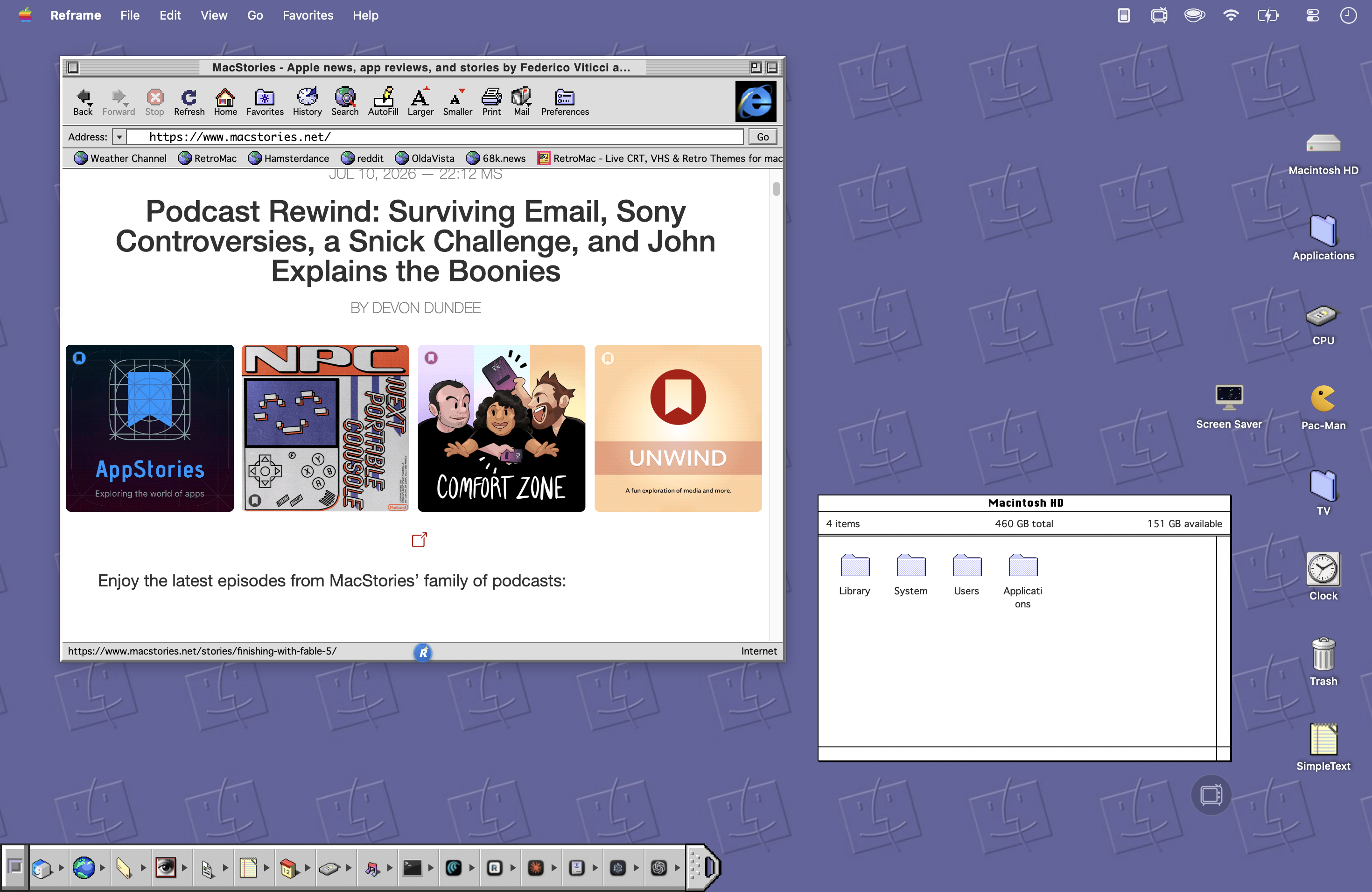
Old-School Mac System 6 or 9, but on a Modern Mac
I'll show you how to turn your Mac into a classic System 6 or Mac OS 9 machine with RetroMac, Reframe and Classic Mac Finder – platinum windows, monochrome web, dial-up sounds.
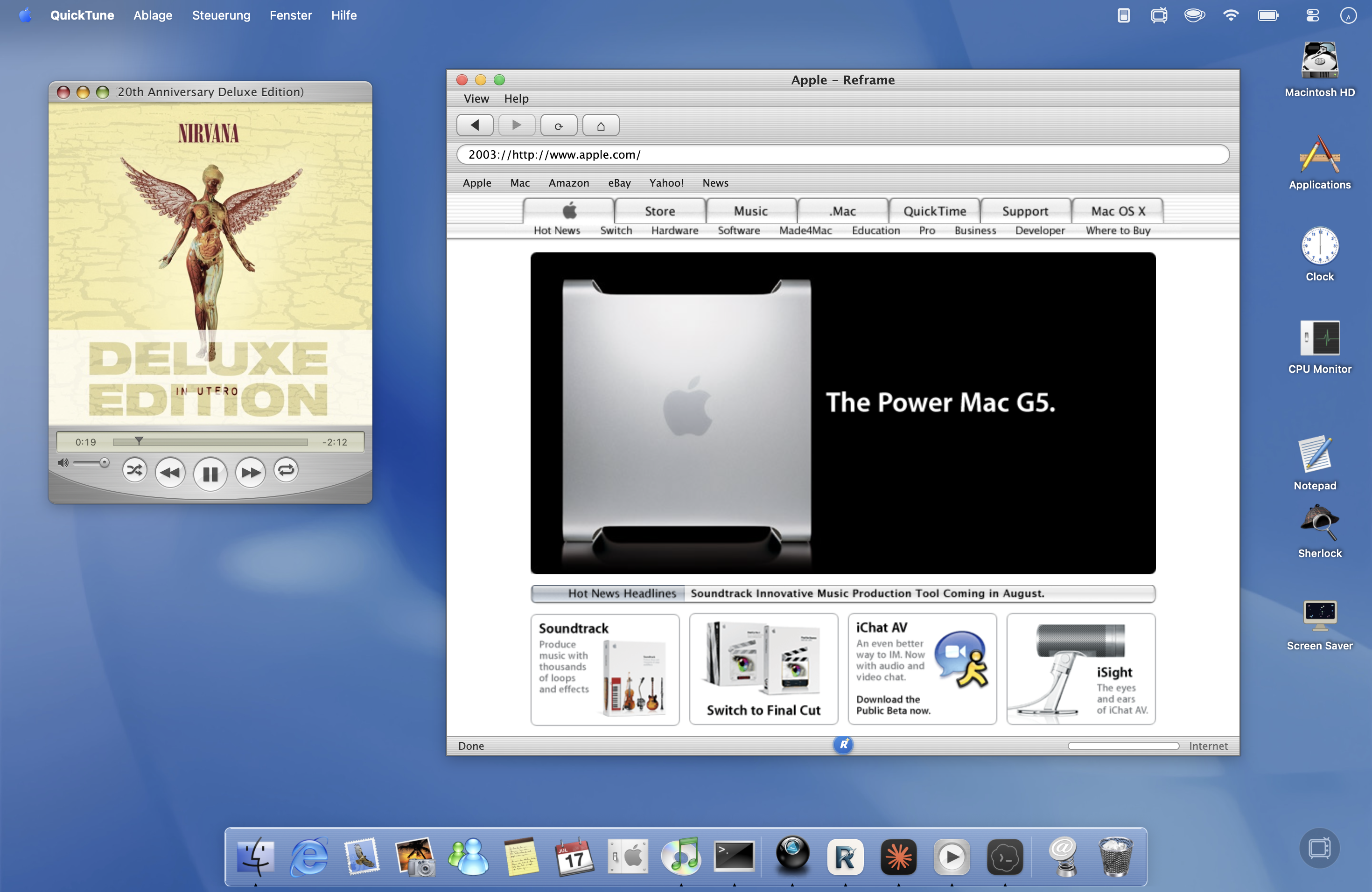
How To Turn Your Modern Mac Into an Old-School Mac OS X
I build RetroMac and Reframe. The question I get most: “How do I get my Mac looking like it did back then – Aqua, glossy dock, brushed-metal Safari?” Short answer: three tools, 15 minutes. I use RetroMac for the desktop and dock, Reframe for the browser, and QuickTune for music.