Sneak preview: Windows Me turns 26, retro crashes, new streams and a new Game Library
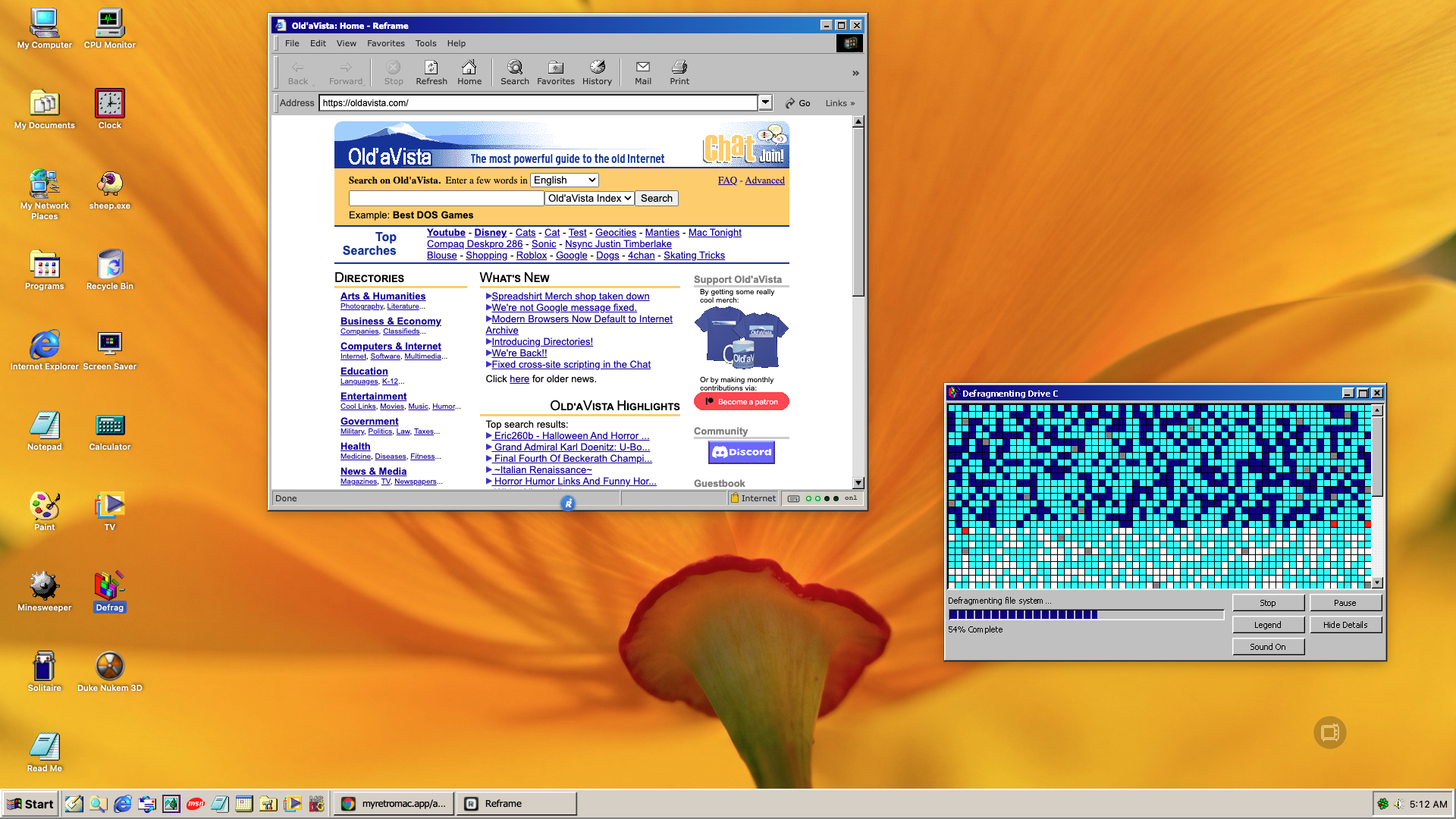
On 14 September 2000, Microsoft shipped Windows Me. It got roughly a year before XP arrived and buried it, and it spent that year as the punchline of every operating system joke. Twenty-six years on, it gets the most thorough theme rework RetroMac has done.
And since we are on the subject of Me: the next release can also crash. On purpose, on a schedule, without breaking anything.
Themes, Windows Me first
The boot screen is the animated Me logo now instead of a still frame, three original wallpapers come along, and Defrag sits on the desktop as its own program. Folder windows are no longer a grid with a title bar, they are Explorer: back, forward, up, an address bar, the info panel on the left and a status bar counting objects.
Then there is the long list of small corrections. Nobody notices them one at a time. Everybody notices them together.
The systray area carries the theme colour instead of some foreign grey. The icons next to it sit in one rhythm instead of three different spacings. The speaker shows mute as a red no-entry sign, not as a washed-out symbol. The quick launch bar no longer grows under the mouse pointer, because Windows never did that, and the desktop icons start on the left where they belong. The calculator got the original key colours, including the small memory indicator that was simply missing.
Three icons that were plain wrong are replaced: Windows Me was showing the macOS Finder icon for the file manager and a terminal for the command prompt. And the tray now holds either MSN Messenger or ICQ, your pick.
Retro Crashes
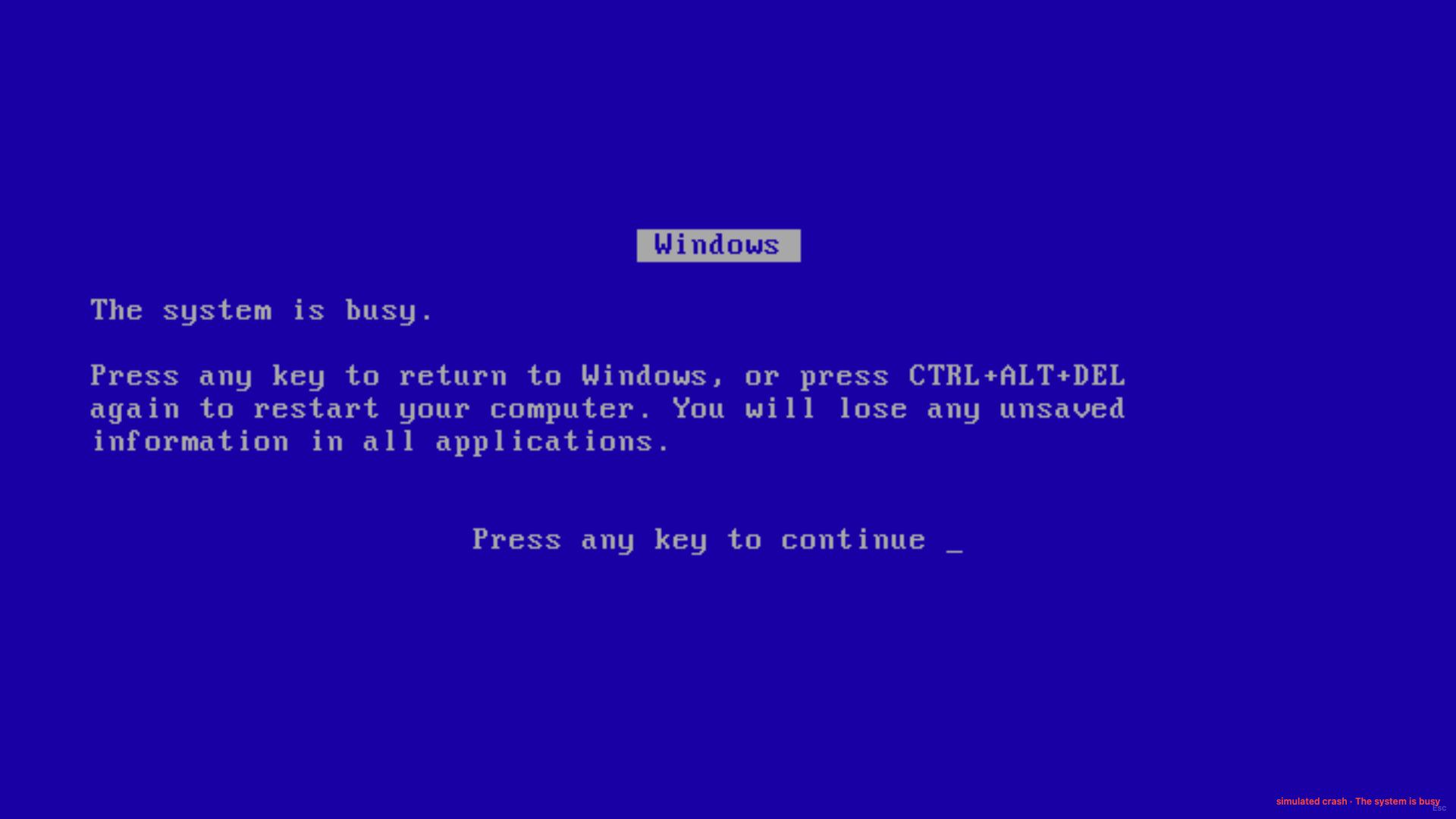
Part of the 1998 computer experience is the crash. Retro Crashes brings it back, period correct: the blue screen from Windows 95, 98 and Me, the Illegal Operation with its expandable register dump, the stop error from XP and 7 with its memory dump counting up, the bomb from Mac OS. The desktop freezes, the message appears, and the way out is the one the machine offered back then. Press Ctrl+Alt+Del and you get black, then the boot screen of your theme.
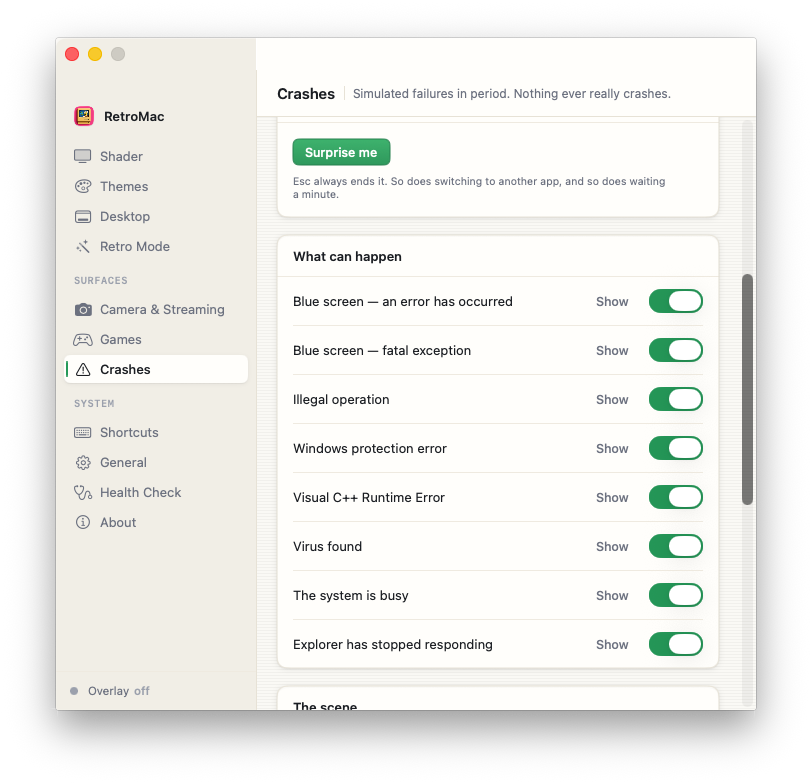
Nothing actually crashes. No app is quit, no document closed, no restart triggered. The frozen desktop is a photograph of itself, laid on top, and if you force quit the process you are back at your untouched work a second later.
You can trigger it by hand or put it on a schedule that runs from very rare to chaotic. Retro Crashes is part of the paid tier.
The new Game Library
The Game Library is its own window with a cover gallery for everything RetroMac can launch. It installs the matching engine, names the file that engine needs, and checks your existing Steam and GOG library for the copy you already own. One click and it takes it.
Whatever the rights holder cleared for redistribution it downloads itself: Freedoom and the shareware episodes of Doom, Heretic, Duke Nukem 3D, Quake, Quake II and Shadow Warrior. Full versions it does not download. That needs your own copy, and the card says so.
And the rest
The menu bar adapts to the Mac era again, by rendering a strip at menu bar height into the wallpaper. That has been in there for a while, but it was a switch you had to find first. For the five Mac themes it is the default now.
Defrag got hard drive sounds, synthesised rather than recorded and tied to the display, so a freshly fragmented disk stutters and an almost sorted one just ticks.
And the channel list in the TV window got a clean-up: dead streams out, XITE and a few retro channels in.
Windows Me was famous for crashing. Now it does it on schedule, and nothing breaks.