A Theme Is Only Half the Setup: It's the Apps That Complete the System
Anyone who has spent an evening building the perfect retro Mac setup knows this moment. The wallpaper is right, the Dock looks like 2002, the cursor is spot on. Then you open Finder or Notes and you're right back in 2026.
That's the part a theme alone can't fix.
What RetroMac covers
RetroMac takes care of everything around your work: Dock, wallpaper, cursor and desktop, plus titlebars, boot screens, screensavers and shaders. That's the frame. But a system isn't just a frame. It's the apps you actually open every day.
The Games & Apps Hub
That's why the current version of RetroMac comes with a Games & Apps Hub. It installs matching apps and games right from inside RetroMac, so you don't have to hunt them down one by one.
The Retro Family
A selection of those apps also has its own page: the Retro Family. Five everyday Mac apps with a soft spot for Mountain Lion:
- RetroFind: a native file manager with the brushed-metal and Aqua feel of the Mountain Lion Finder. Cover Flow is back, plus tabs and a dual-pane X-Mode.
- RetroContacts: the address book that looks like an address book, leather-bound and connected to your system contacts.
- RetroReminder: lined-paper to-do lists that sync with your system reminders.
- RetroCal: leather header, torn-paper edges, system calendar sync and natural-language event entry.
- RetroNotes: the yellow notepad is back, synced directly with the macOS Notes app.
These aren't skins. They're real native apps working with your real data. They run on macOS 14+ even without RetroMac, but they obviously feel most at home next to it.
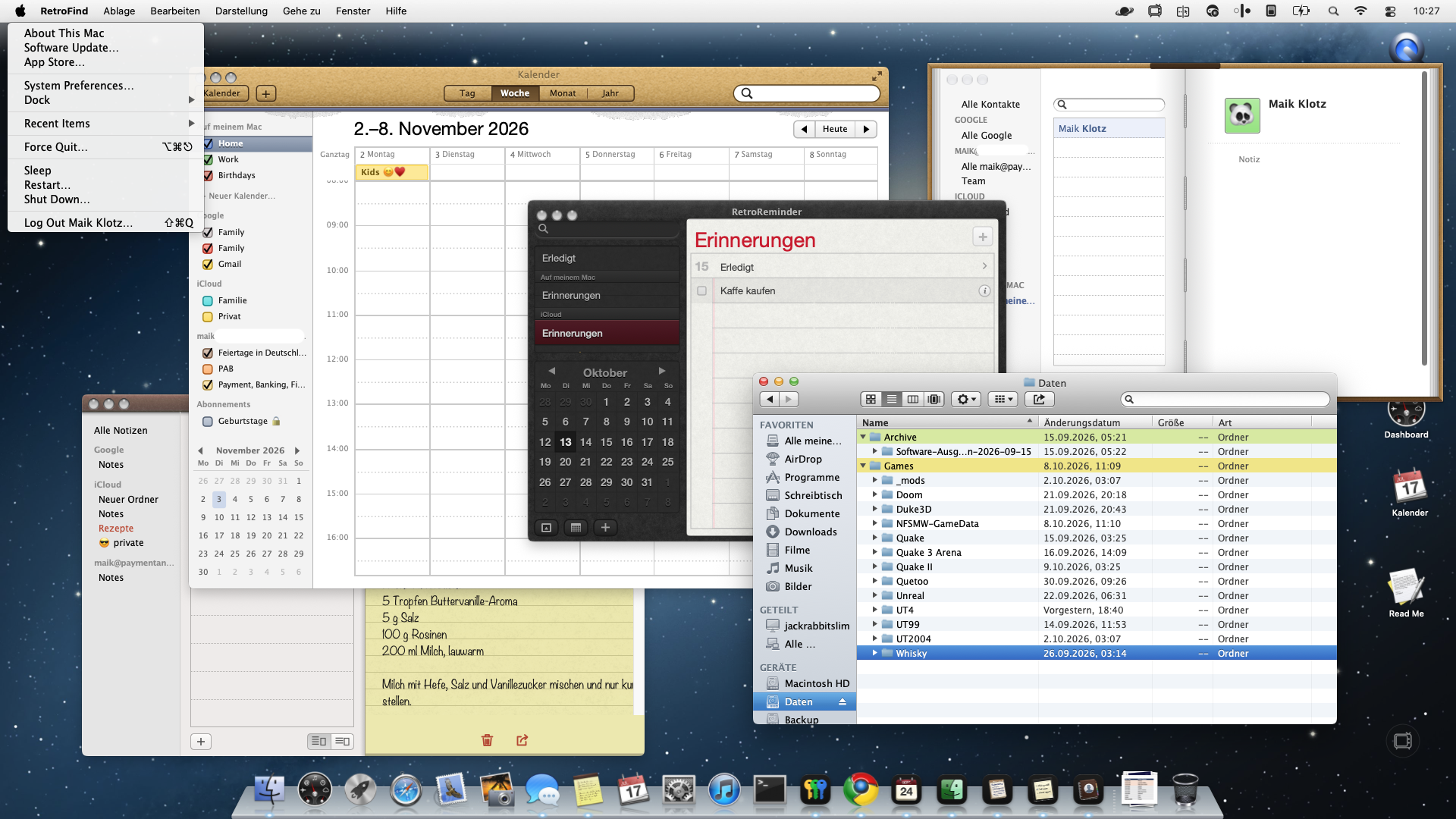
(SCREENSHOT: Full setup with all Retro Family apps)
But there's more ツ
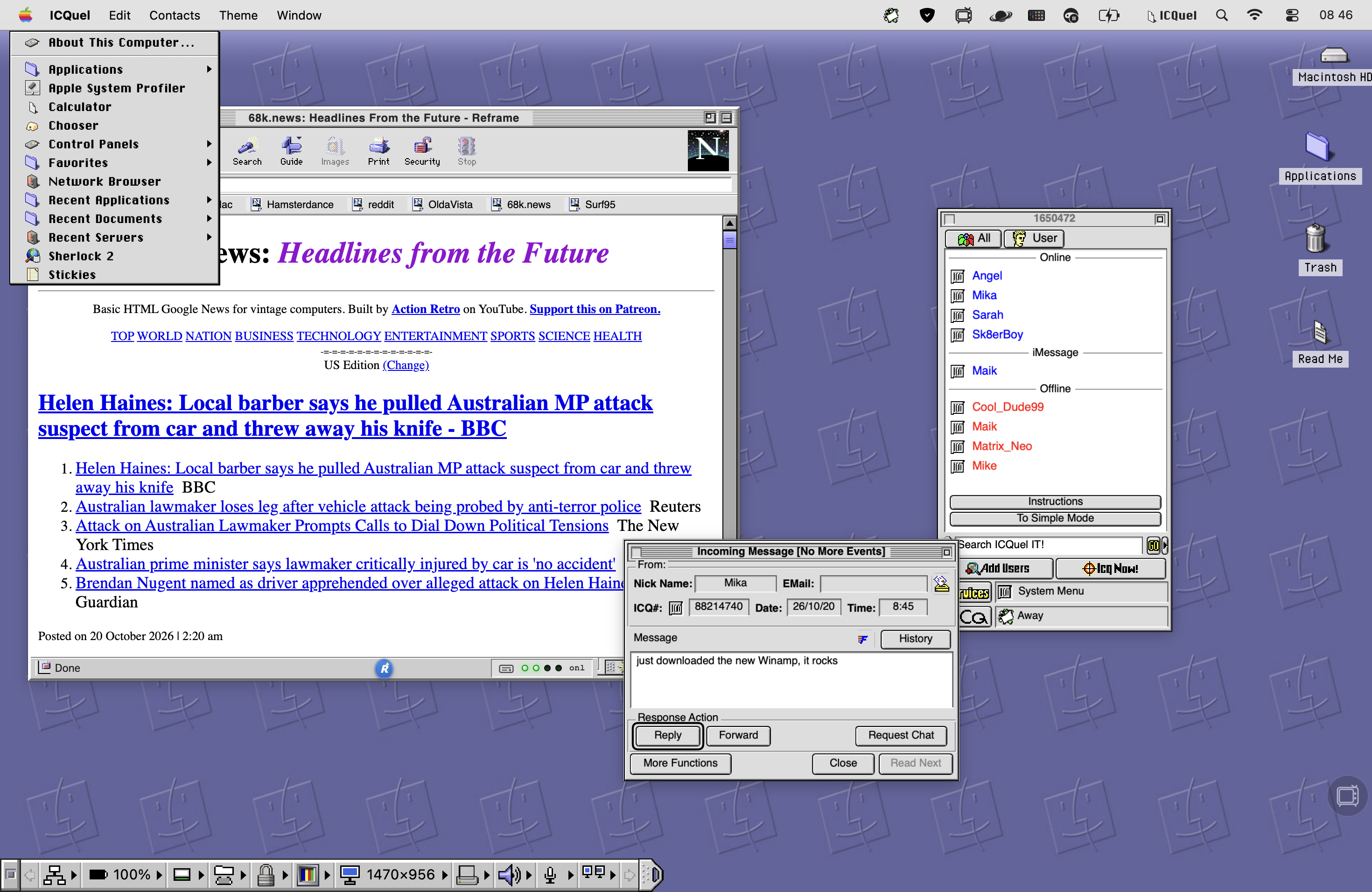
(SCREENSHOT: Mac OS 9 with Reframe and ICQuel)
This is Mac OS 9 on RetroMac, together with two more companions.
Reframe is my retro browser. Chromium under the hood, classic browser looks from 1993 to 2009 on top, 25 themes, a Wayback mode and a time-warp modem for anyone who misses 56K.
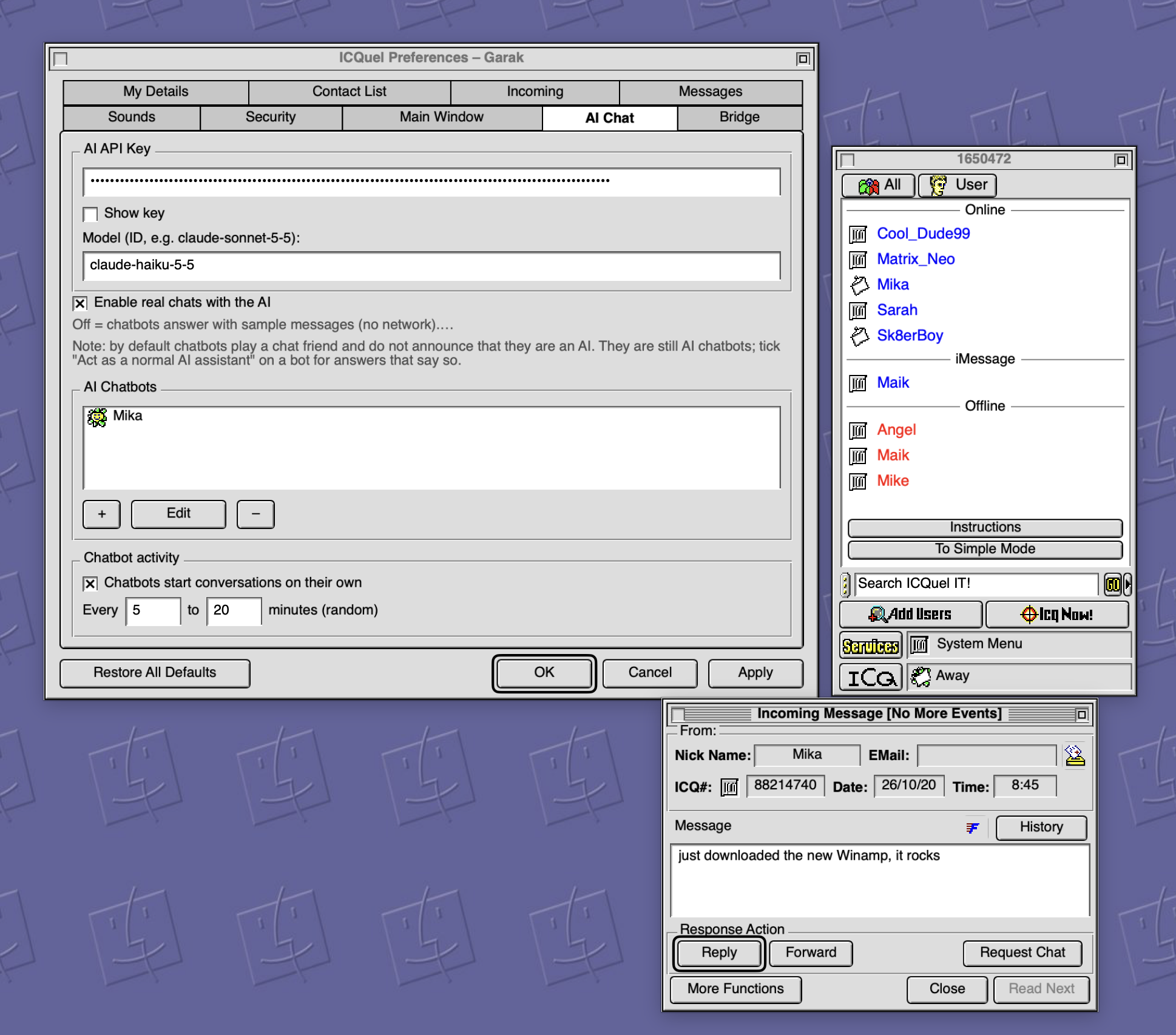
ICQuel is a homage to ICQ. It comes with a built-in AI chatbot, so there's always someone to talk to, and it supports iMessage, so your real conversations show up in a window that looks like it's 1999 again.
The point
A theme makes a Mac look retro. The apps make it feel retro. Once Finder, Notes, your calendar, your browser and your messenger all speak the same design language, the setup stops being a costume and becomes a system.
That's where I want RetroMac to go. Which classic app do you miss most? Let me know, it might be the next one.