← Back▲ NEW ▼ REFRAME BROWSER
Surf like it's 1999.
A real Chromium browser with swappable retro chrome, Wayback time travel and 56k feel. See the modern web through the eyes of 1999.
- 20+ Classic Themes
- Wayback Machine
- Time Warp Modem
- Per-App Icon
- Open Source
Open Source · v1.14.0 · macOS, Windows & Linux
Screens
Here's how the first three themes look on modern macOS, with a real website loaded.
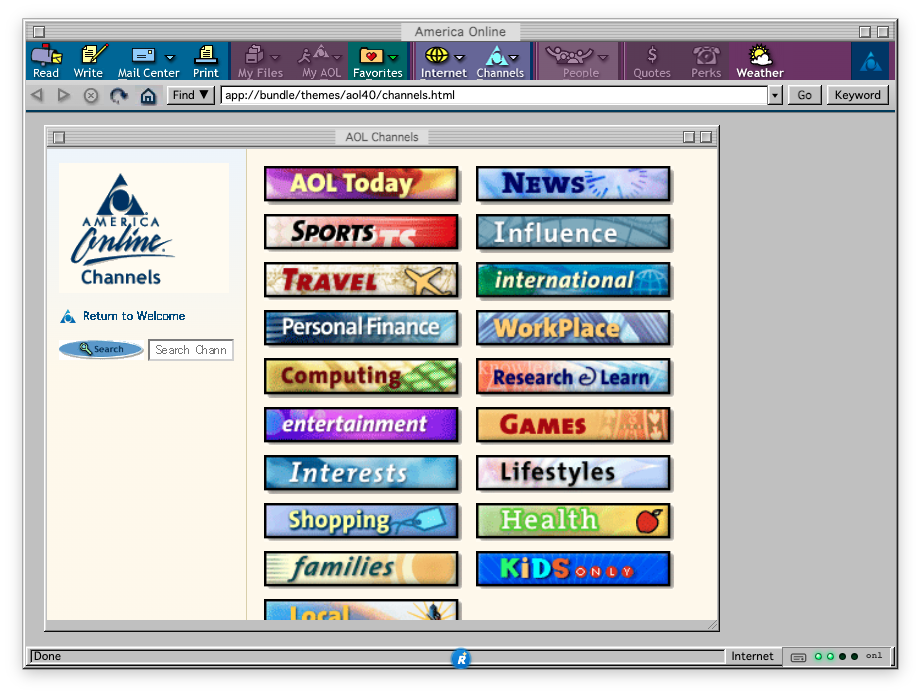
AOL Desktop 4.0
1998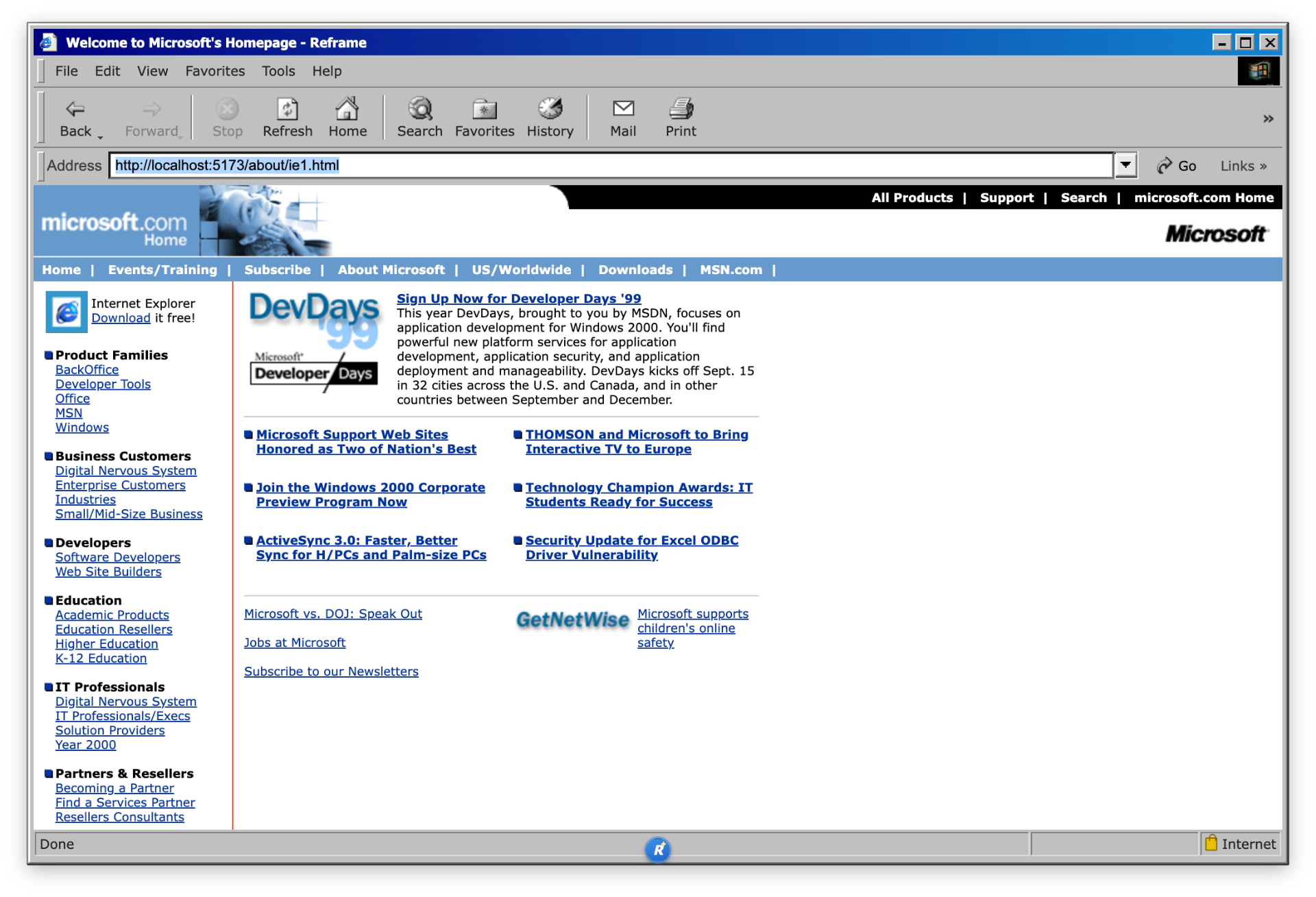
Internet Explorer 5
1999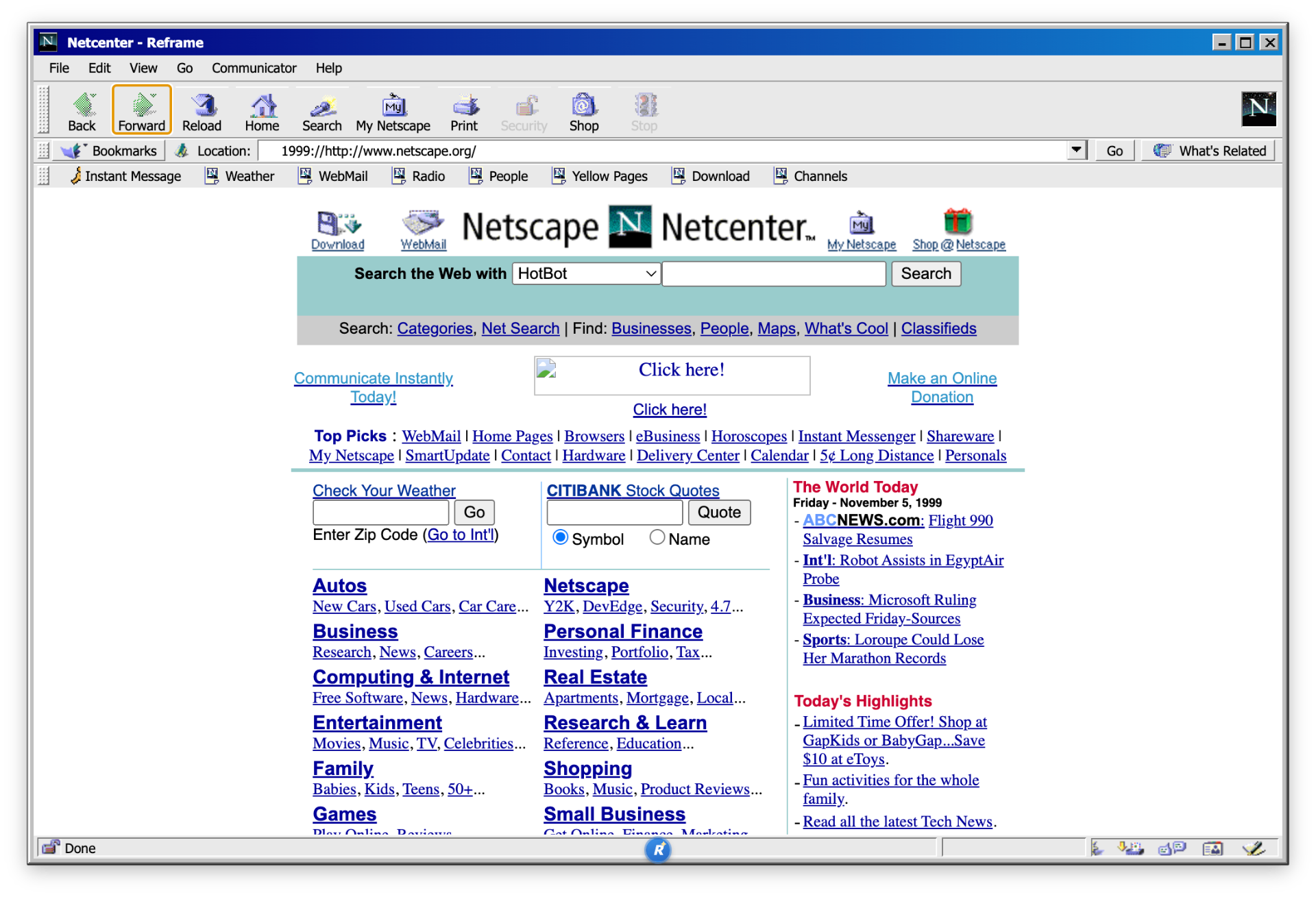
Netscape 4.8
1999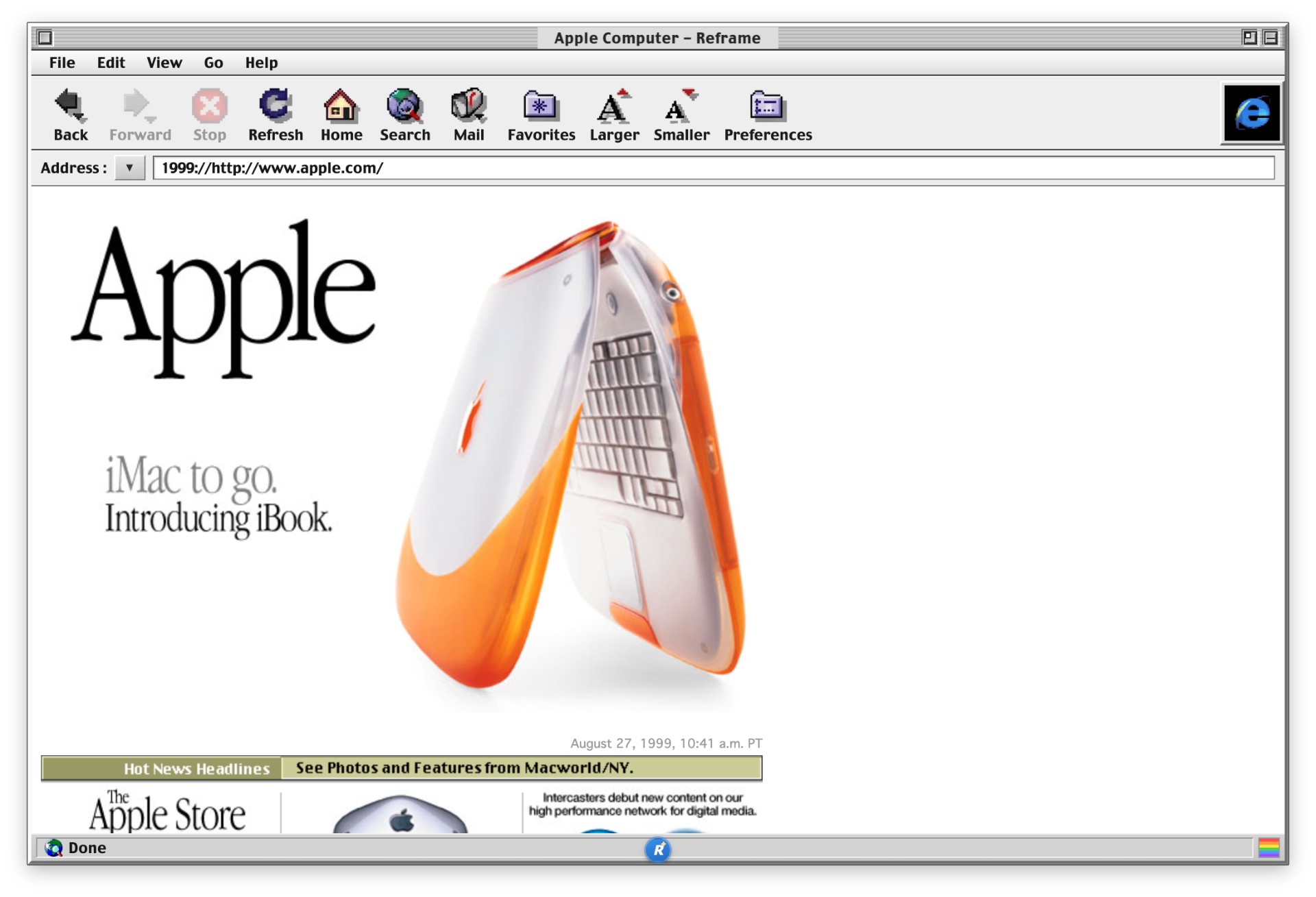
IE 4 for Mac
1999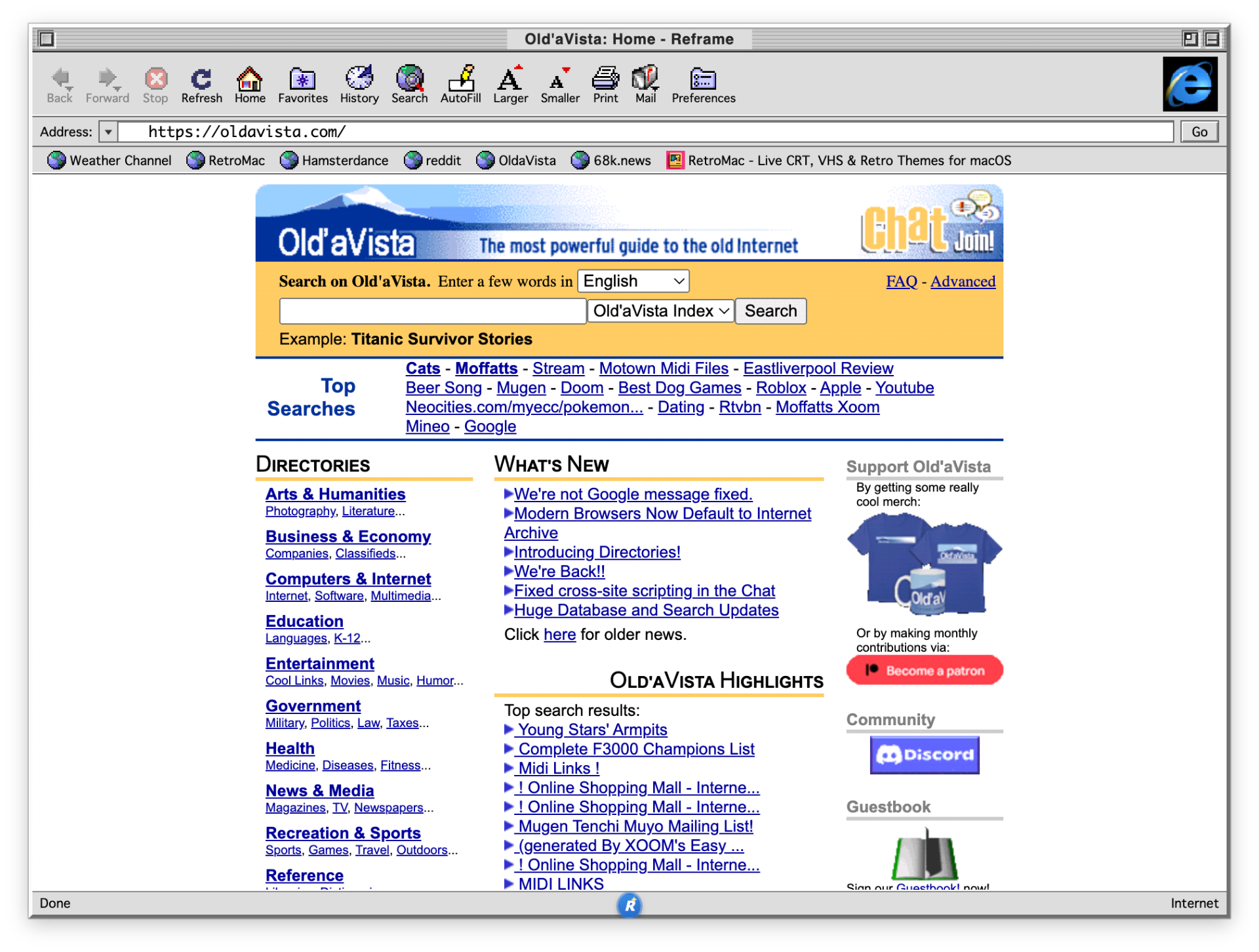
Internet Explorer 4.5 (Mac)
2000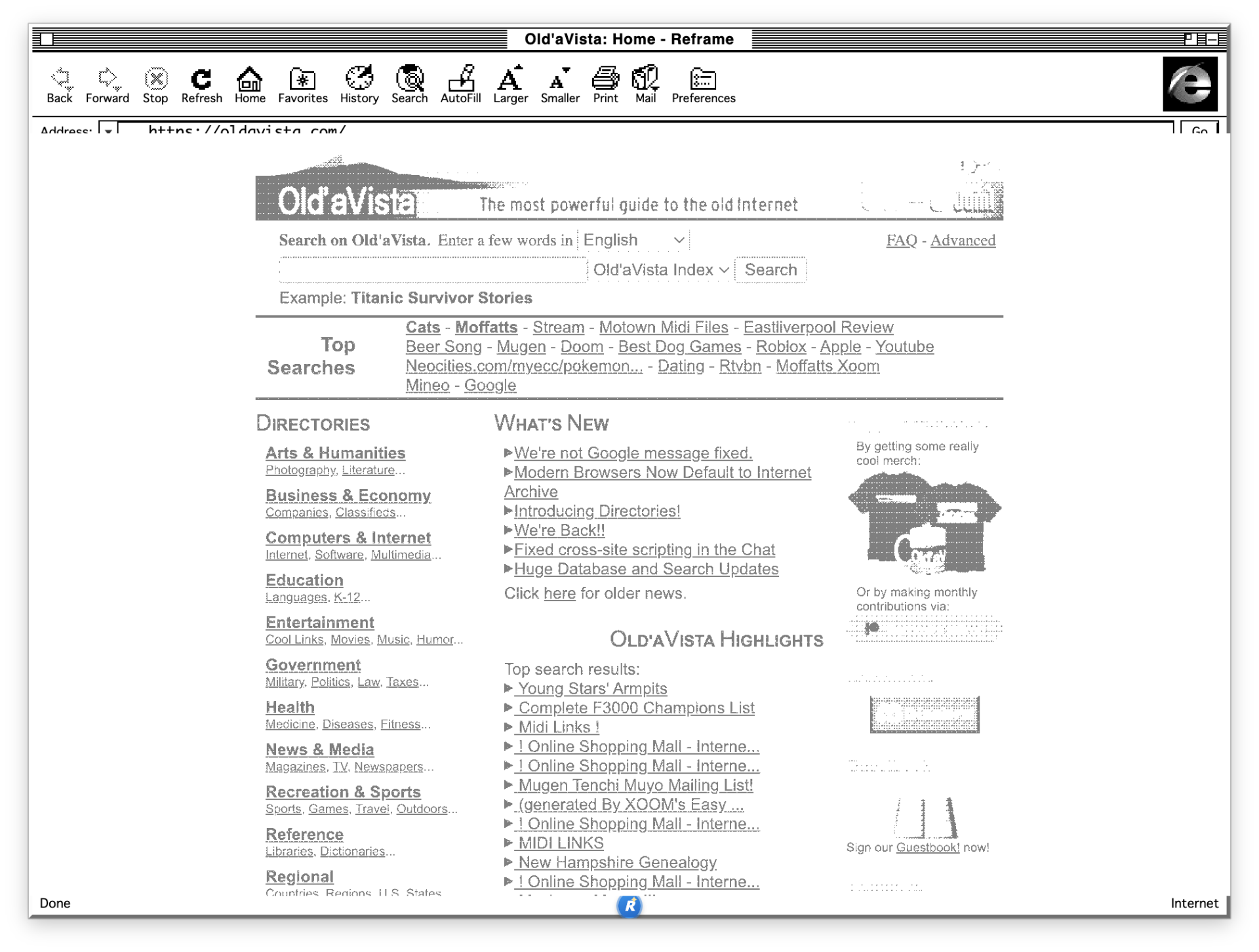
Internet Explorer 4.5 (Mac, monochrome)
2000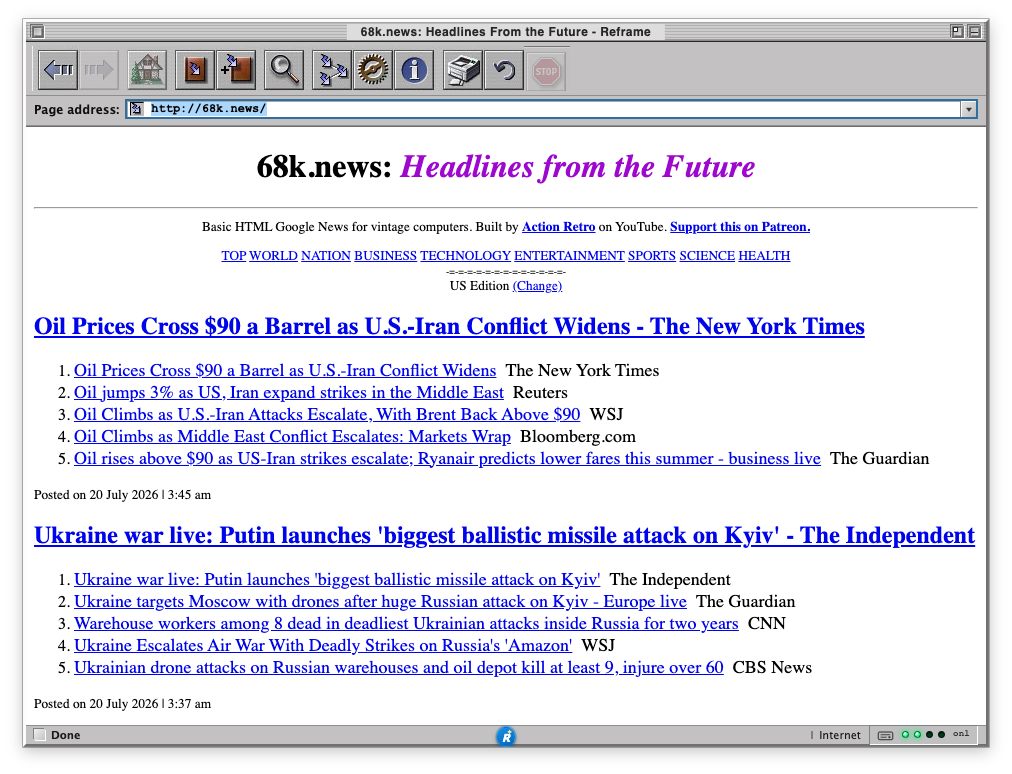
OmniWeb
2000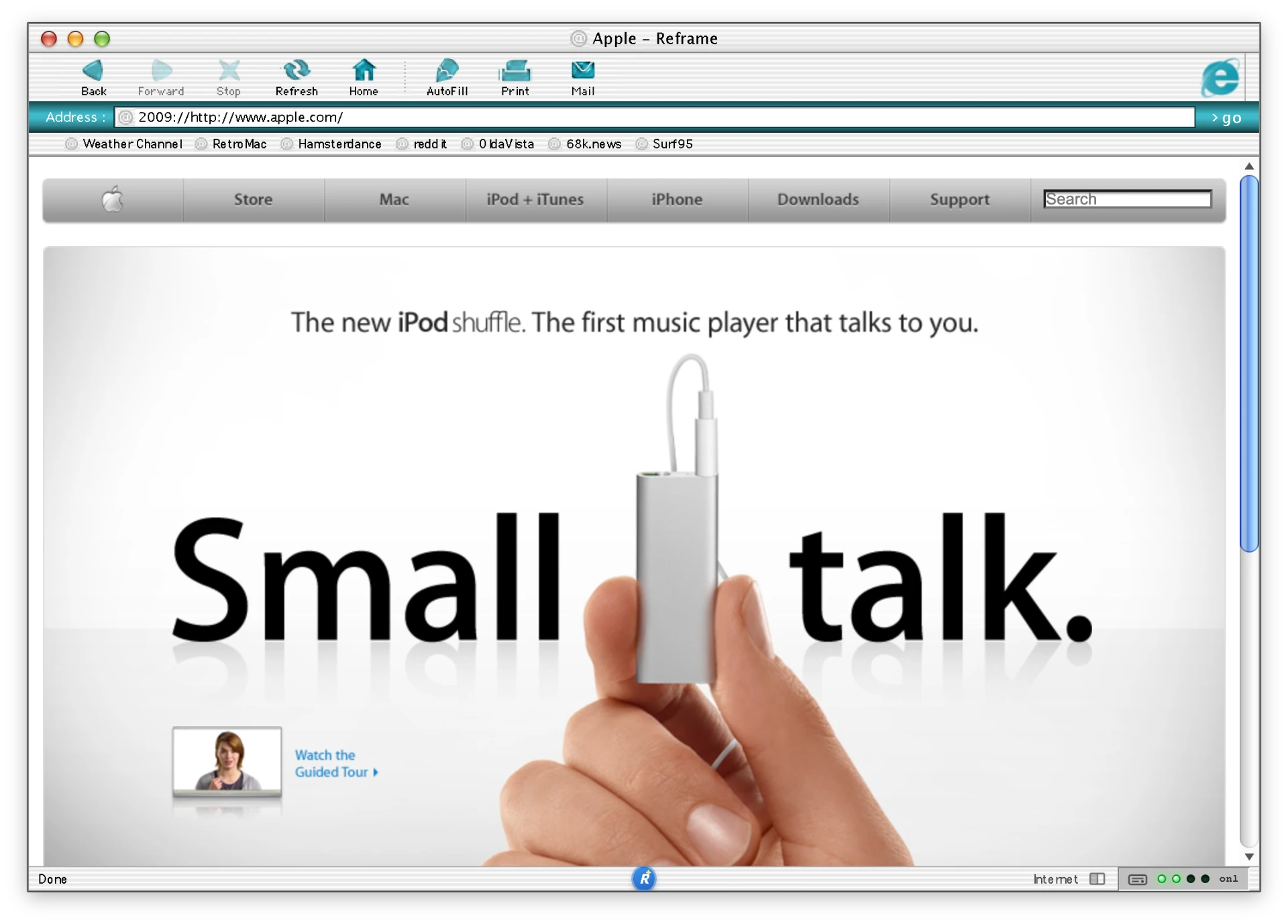
Internet Explorer 5 (Mac OS X)
2000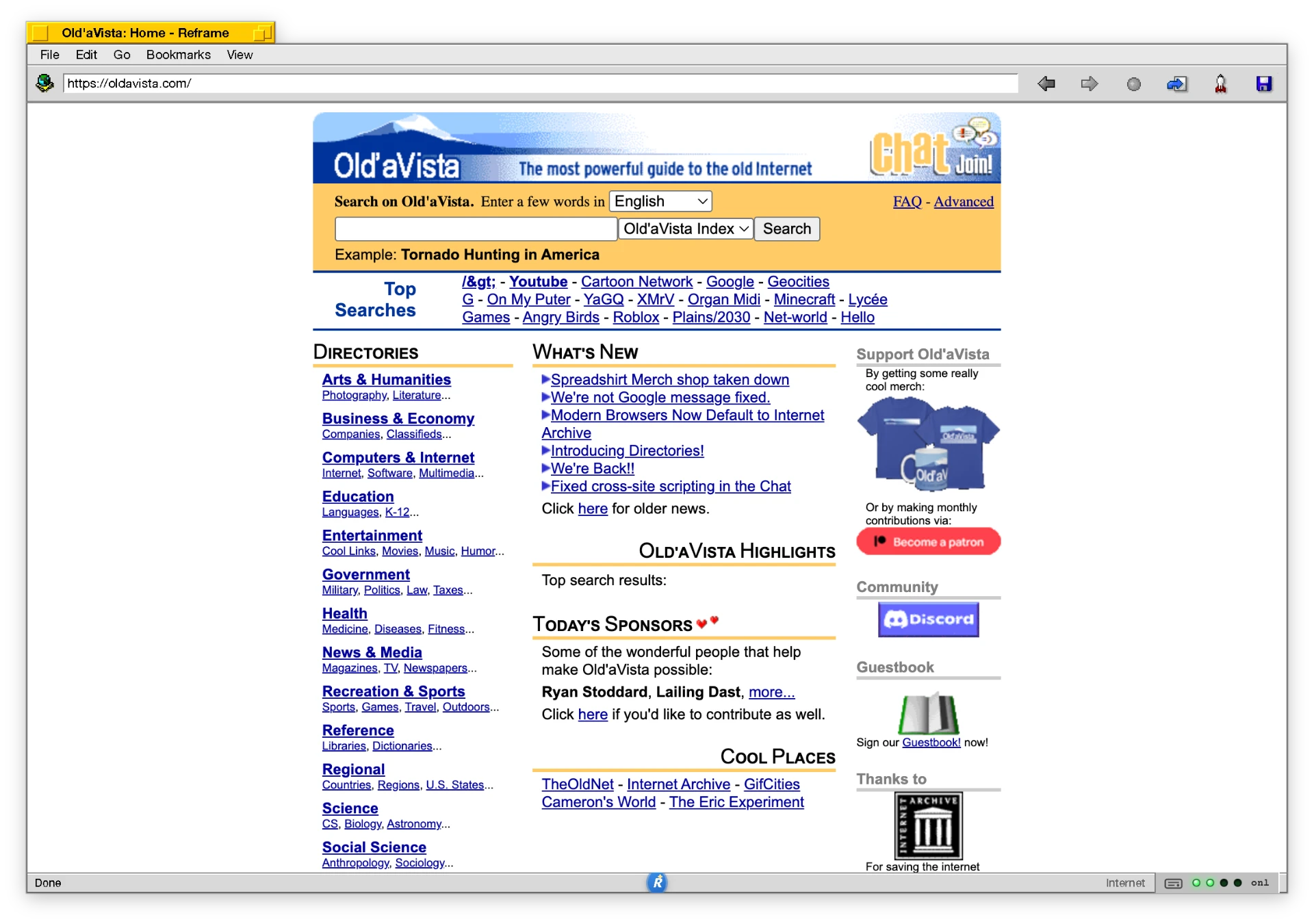
BeOS
2000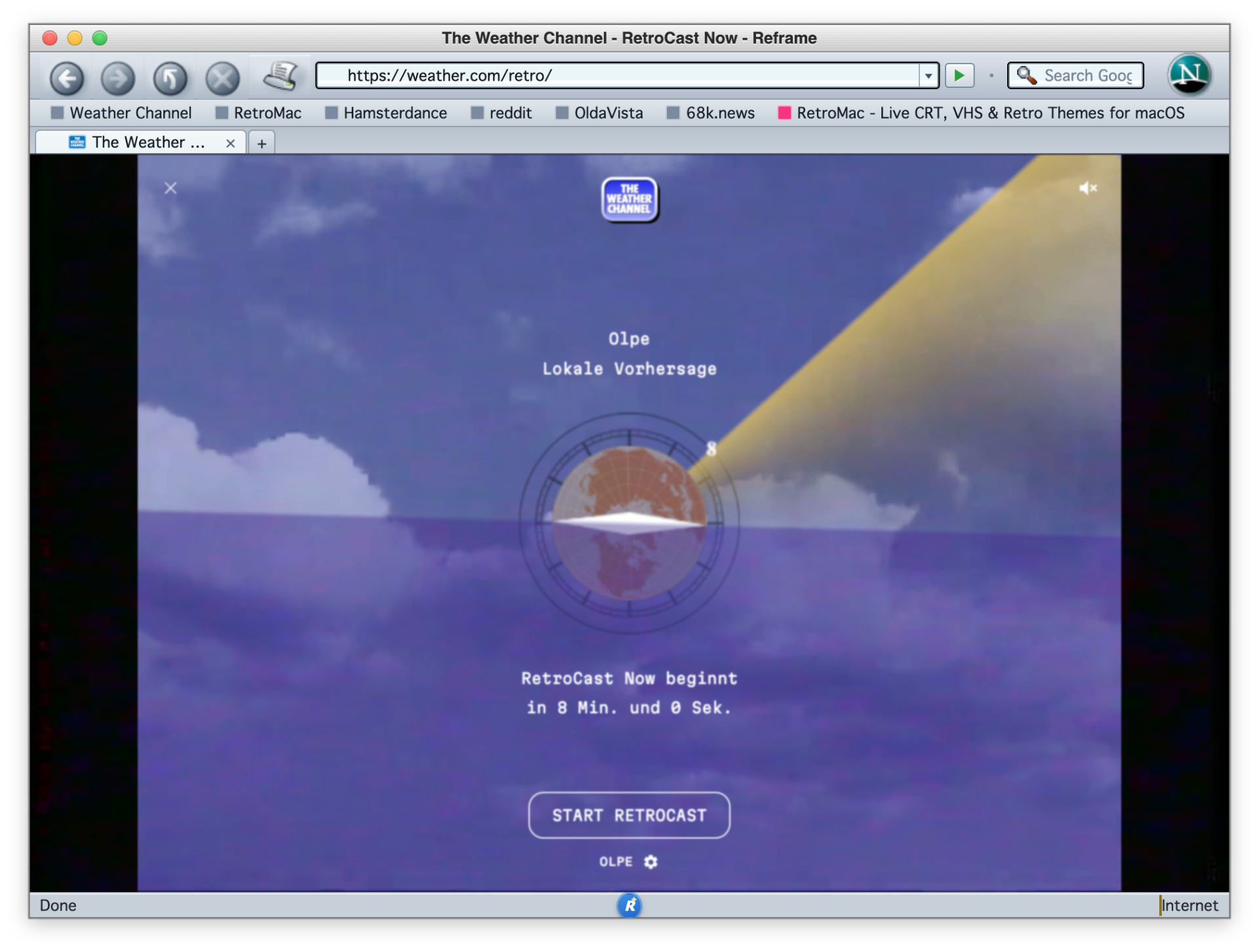
Netscape 7.02 (Mac)
2003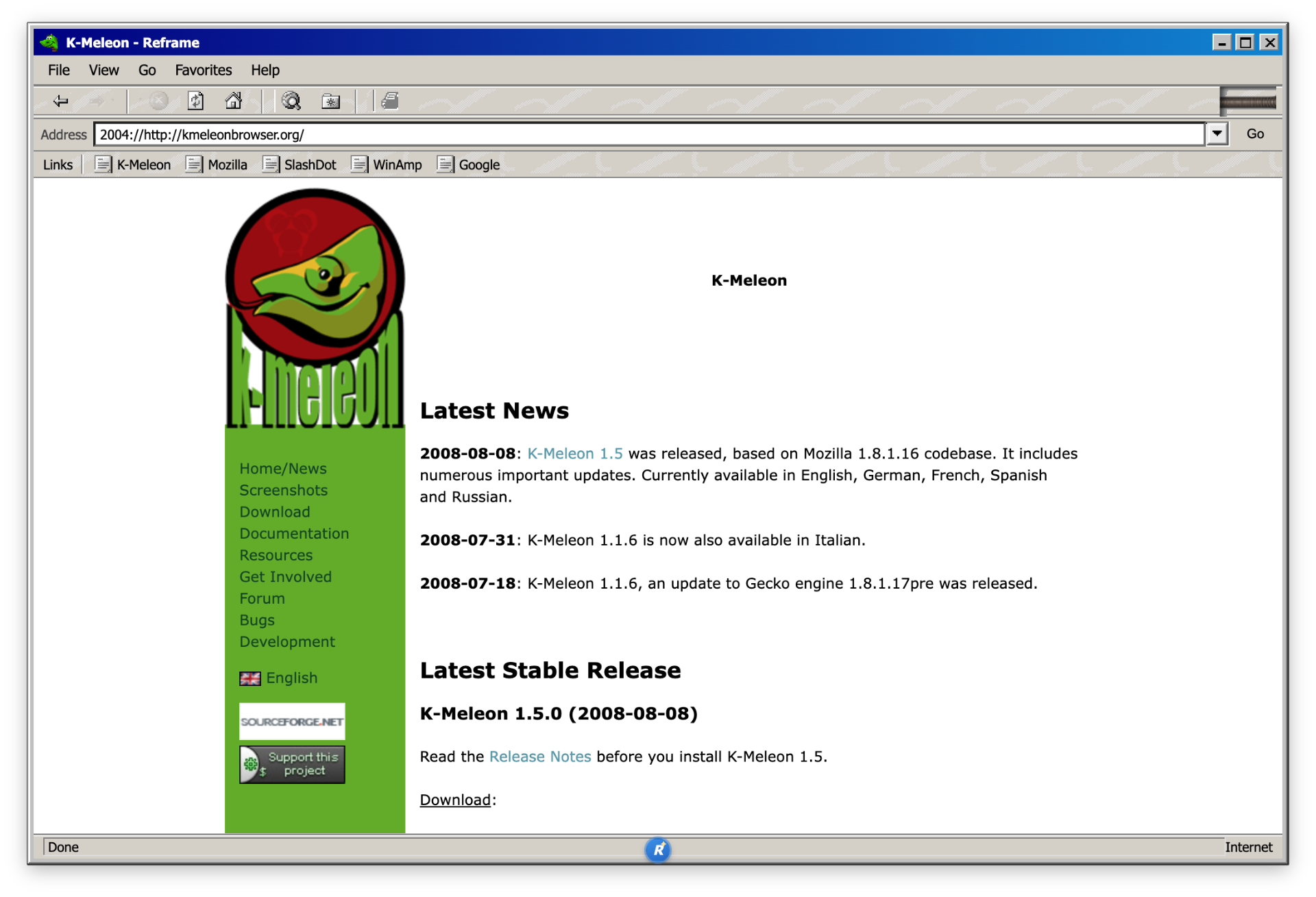
K-Meleon 0.2
2000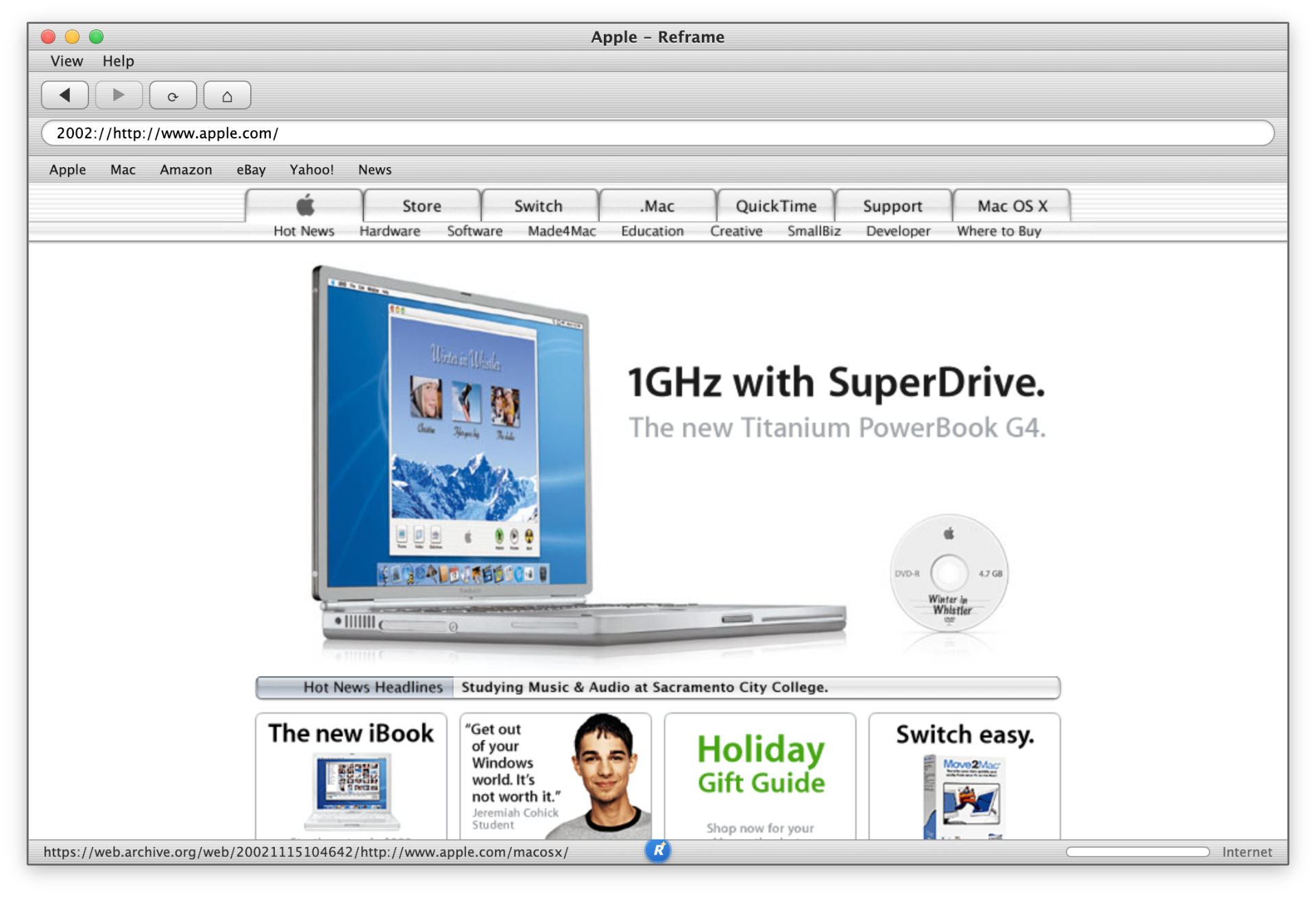
Safari 1.0
2003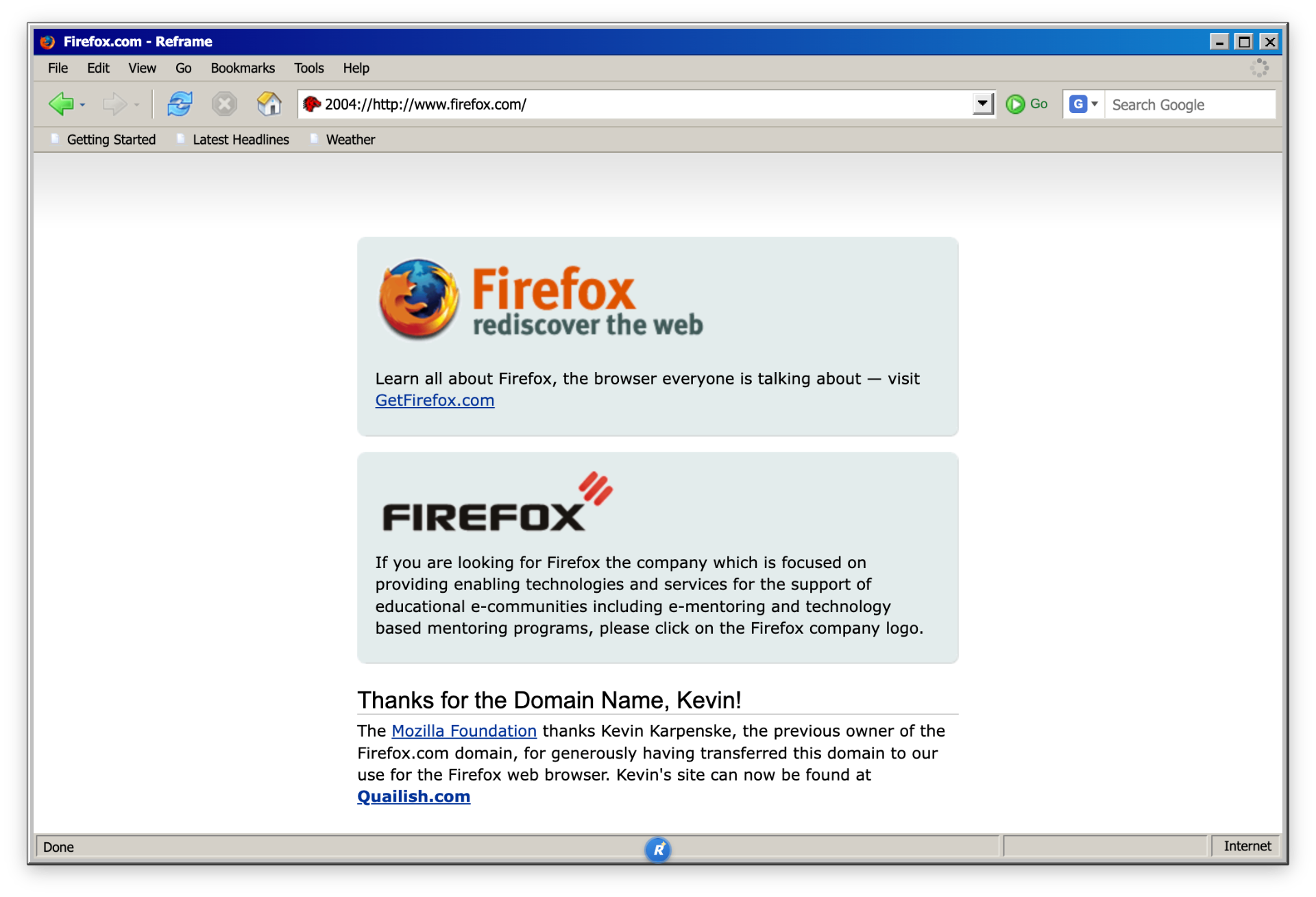
Firefox 1.0
2004What is Reframe?
Reframe is a desktop browser for macOS that looks exactly like Netscape, Internet Explorer, Firefox or Safari did back then: including toolbar icons, status bar and the spinning “throbber” in the top right. Under the hood it runs a modern browser engine, so you can actually browse the real web.
How does it work?
Electron
Electron is a framework for building desktop apps out of web technologies (HTML, CSS, JavaScript). Apps like VS Code, Slack and Discord are built with Electron.
Chromium
Chromium is the open-source browser engine behind Google Chrome, Microsoft Edge and many others. It renders the web. Reframe uses it to display web pages, then wraps a classic UI around it.
20+ classic themes
Pick your favorite era. Hot-swap at runtime, no restart needed.
Where the graphical web started. Origin of many browser conventions we still use today.
Windows 95. Where it all began: grey chrome, simple toolbar, not a tab in sight.
Windows / Mac. The N logo, „What's New“ and the launchpad of the commercial web.
Windows 95. Its own icon and toolbar aesthetic, full classic 90s feel.
Windows / Mac. The walled-garden era: Read, Write, Channels and „You've got mail!“.
Windows 98. Favorites star, Outlook Express vibes, the gateway to the web.
Windows XP Luna. Full XP toolbar, green back button, Windows-flag throbber.
Mac OS 9. Apple's sibling release with platinum chrome and a proper Mac menu bar.
Windows 9x. Bookmarks, „What's Related“, the famous N logo.
Windows. The big Gecko reboot, new skins, new vibe.
Mac OS X. The elegant Cocoa browser of the early OS X era, with drawer sidebar.
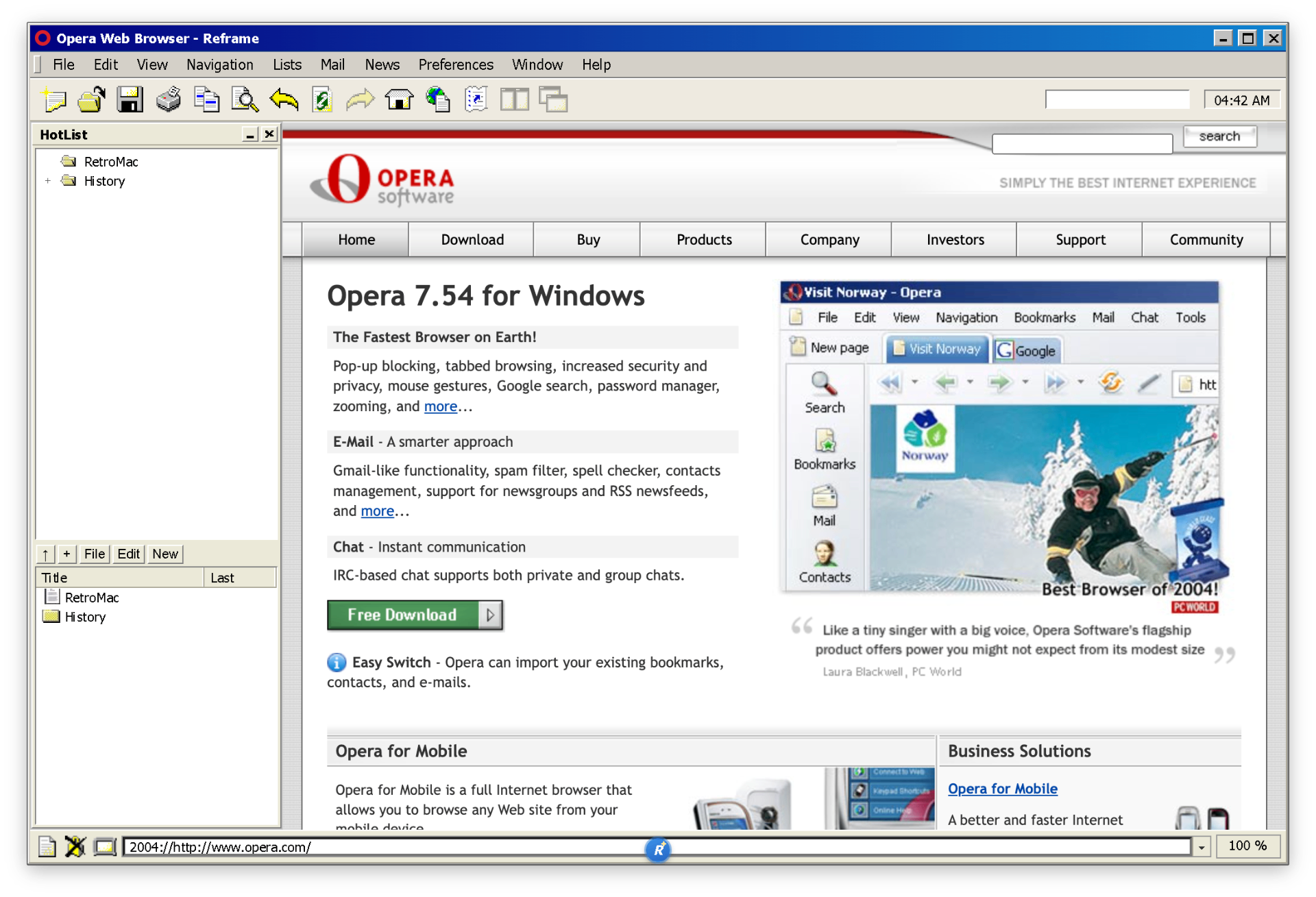
Windows. Fast, opinionated, HotList sidebar and bottom address bar.
Windows 98. Lean Gecko-based browser for power users. Super native, super fast.
Mac OS X. The Mozilla browser that actually felt like a Mac app.
Mac OS X. Brushed metal, blue Aqua buttons, Apple at its finest.
Cross-platform. The underdog that changed everything. Classic toolbar.
What Reframe does
Hot-swappable themes
Switch themes at runtime, no restart. Each theme ships its own toolbar, labels, status bar and throbber.
Full browsing
Modern Chromium under the hood. JavaScript, video, web apps, all work.
Wayback Mode
Old web via real archive snapshots. Per-theme era date, year & month picker, Today back to live.
Time Warp Modem
Not just looking old, actually slow like back then: Full · ISDN 64k · 56K · 28.8K, incl. latency.
Today vs Year Share
PNG that pairs the live page with a real archive snapshot. Save as PNG or copy straight to the clipboard.
Bookmarks, history & personal bar
Classic surf helpers with drag & drop onto the personal bar, plus the Opera HotList sidebar.
Quick flyout
A slide-out panel for every feature: switch themes, toggle modes, open history, without leaving your flow.
Per-app icon
The dock icon changes automatically to match the active theme - Netscape N, blue E, compass, Firefox, all included.
Per-theme About pages
Help → About shows a dedicated history & trivia page for the active browser.
Authentic dial-up sounds
Real 56k modem handshake on launch and when switching into slow-modem mode. Optional - for maximum 1999 feel.
Built-in adblocker
Blocks ads, trackers and cookie banners - so the modern web stays readable even inside 90s browser chrome.
Open Source
Source code on GitHub. Forks, issues, pull requests welcome.
Time Warp Modem
Not just looking old, actually slow like back then. Applies to existing and new tabs — but only inside Reframe.
- Full Speed
- ISDN 64k
- 56K Modem
- 28.8K Modem
Reframe ❤️ RetroMac
Reframe is the perfect companion to RetroMac. You can absolutely browse with it normally, but it's not meant to replace your daily driver. Reframe is for the moments when you want to bring the good old days back to your desktop.
Open Source
Reframe is fully open source. Find the code, issues and releases on GitHub.
Open repositoryhttps://github.com/klotzbrocken/Reframe/releases
Legal & trademarks
Reframe is an independent, non-commercial open-source project and is not affiliated with the trademark holders. All rights to the recreated designs, logos and trademarks belong to their respective owners: NCSA / University of Illinois (Mosaic), Microsoft (Internet Explorer), Apple (Safari), Mozilla (Firefox), Opera Software (Opera), the K-Meleon project (K-Meleon) and Netscape/Verizon (Netscape Navigator/Communicator). The themes are intended as an aesthetic tribute.